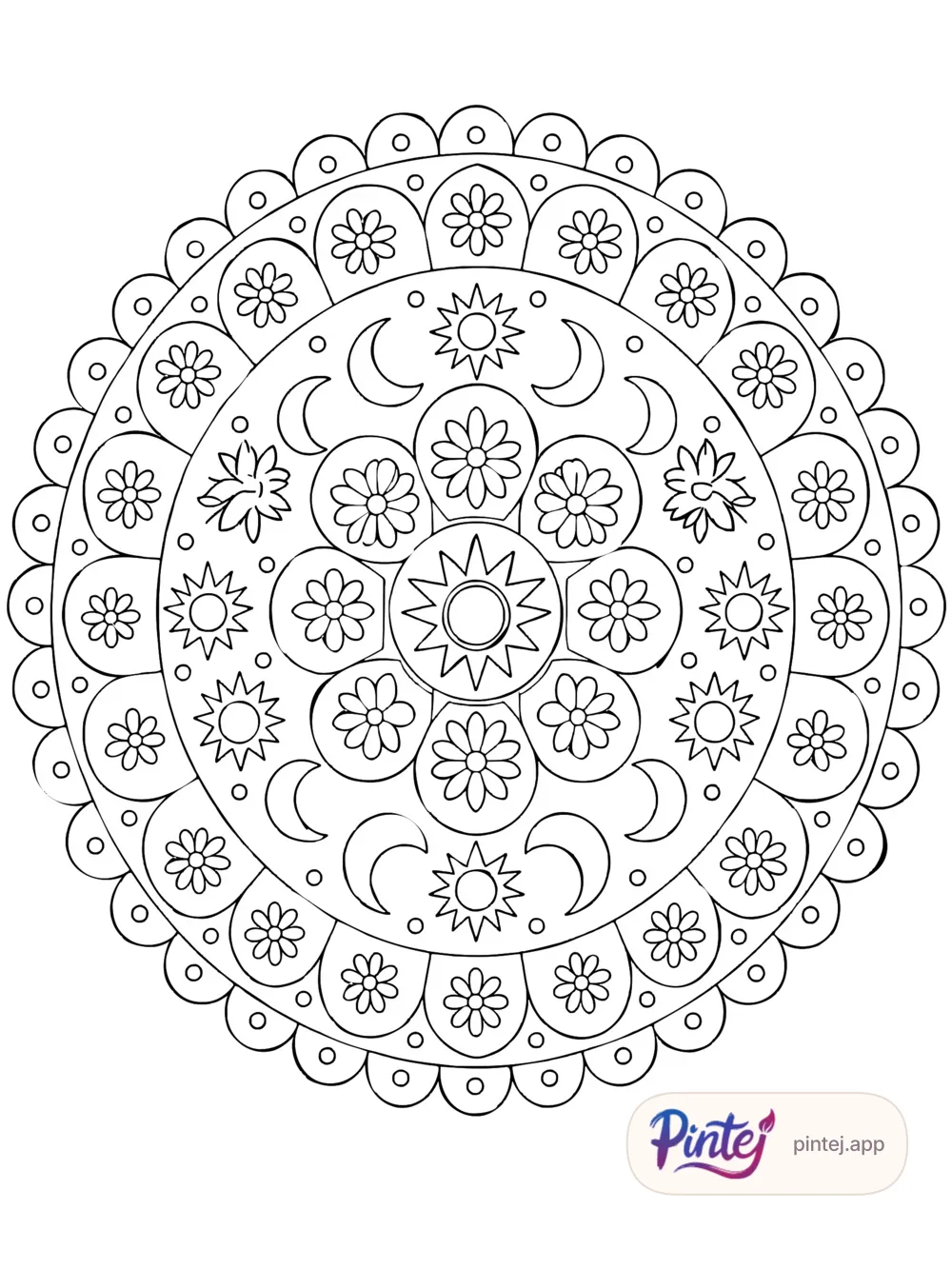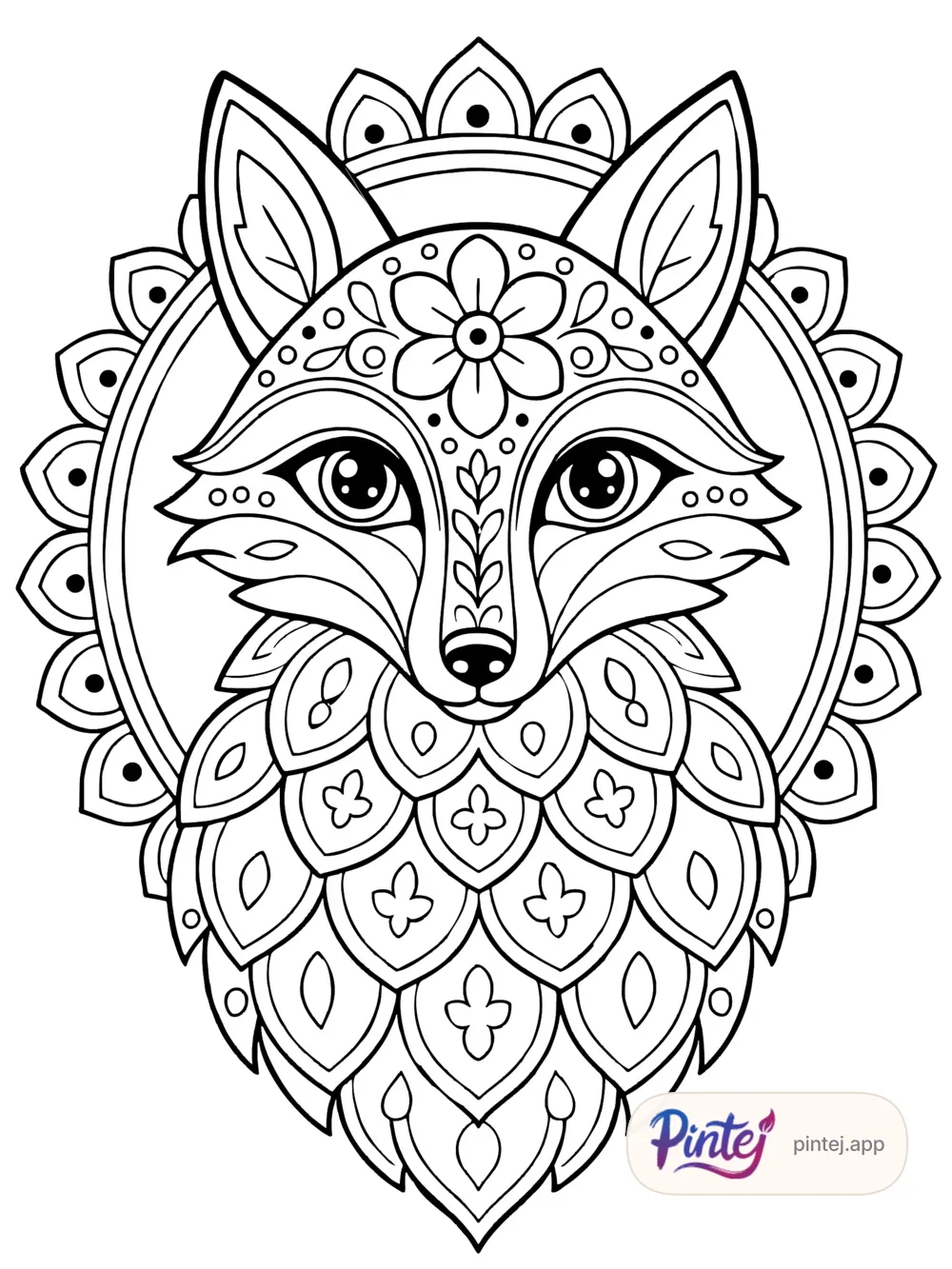
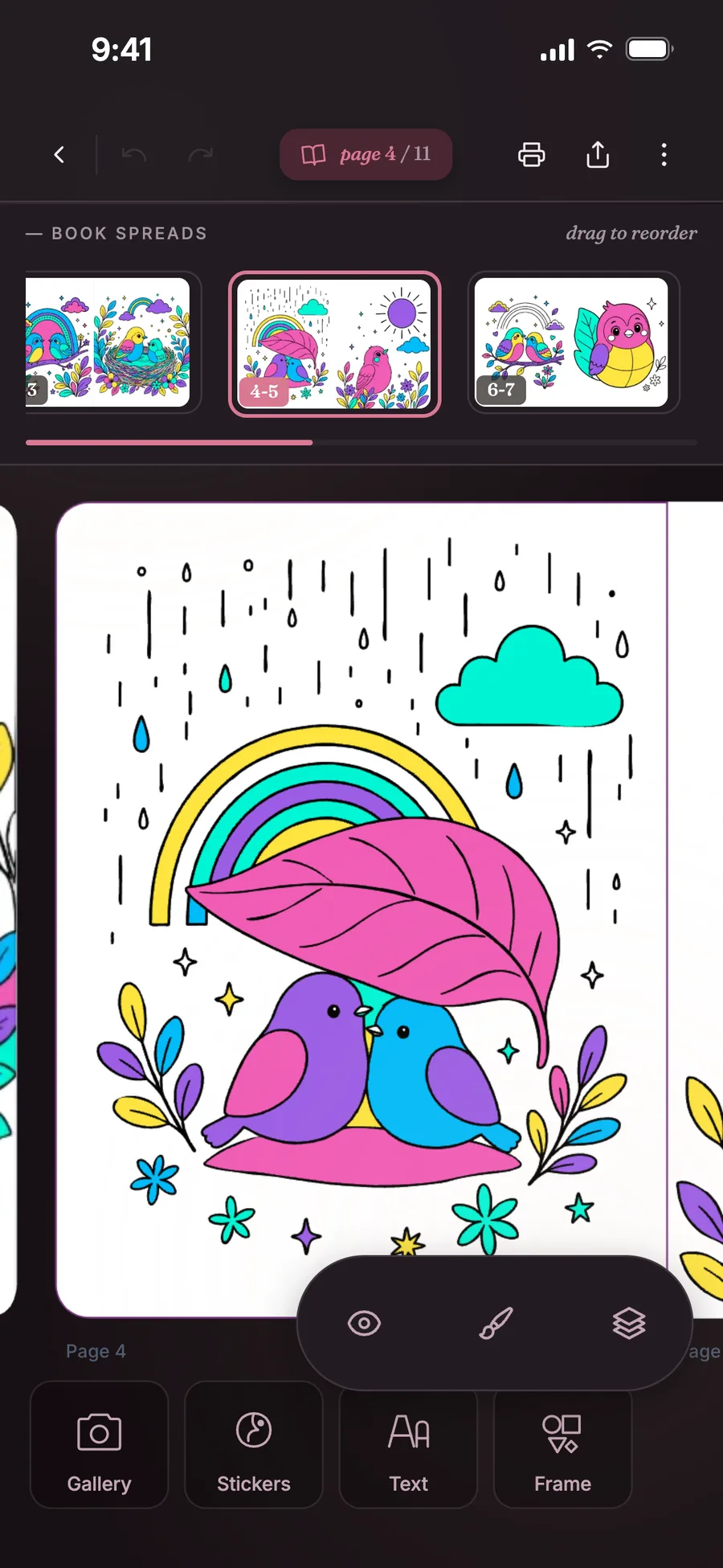
Your whole book, at your fingertip.
Open the spreads strip: all your pages are right there. Drag a spread to reorder.
A personal invite
An iPhone app. Android is coming soon.
Someone thought of you for the waitlist — turn your photos into coloring books.
Leave your email to save your spot.
We'll ping you at launch. No ongoing newsletter.
One email on App Store launch day. Nothing else.
Coming soon


A glimpse
A few moments from the app, so you can see what we’re talking about — then join the list if it clicks.
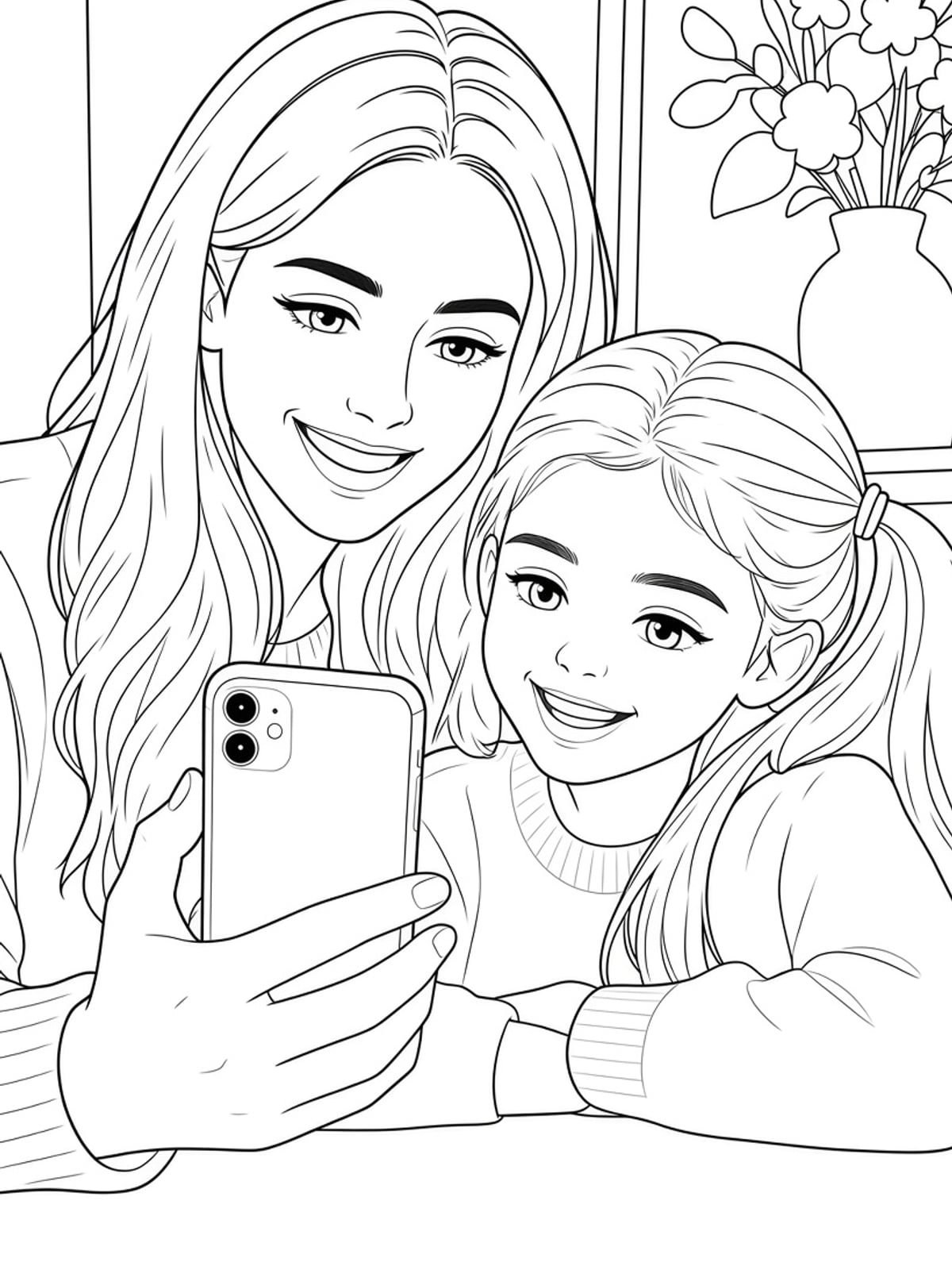
Photo → page
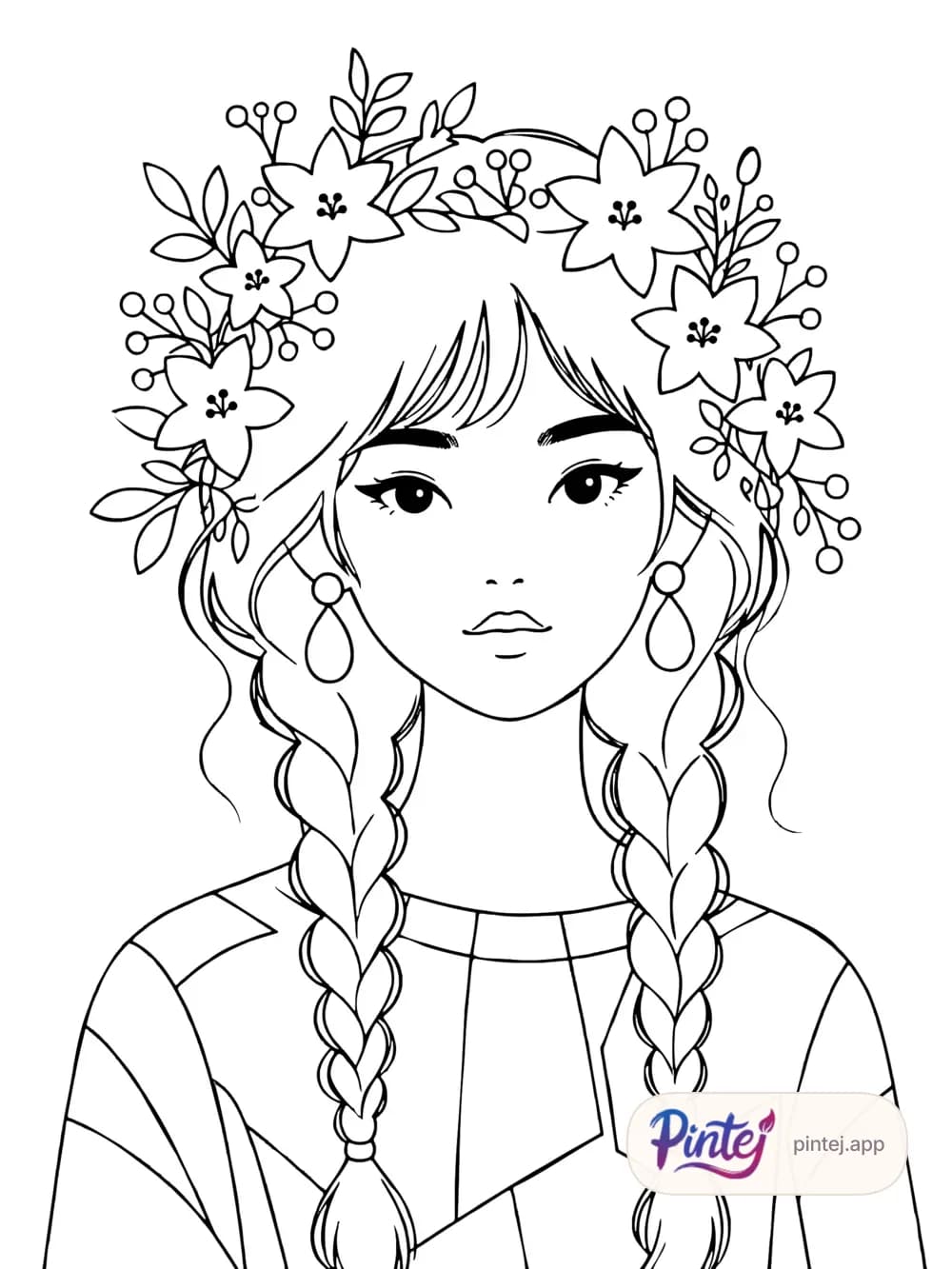
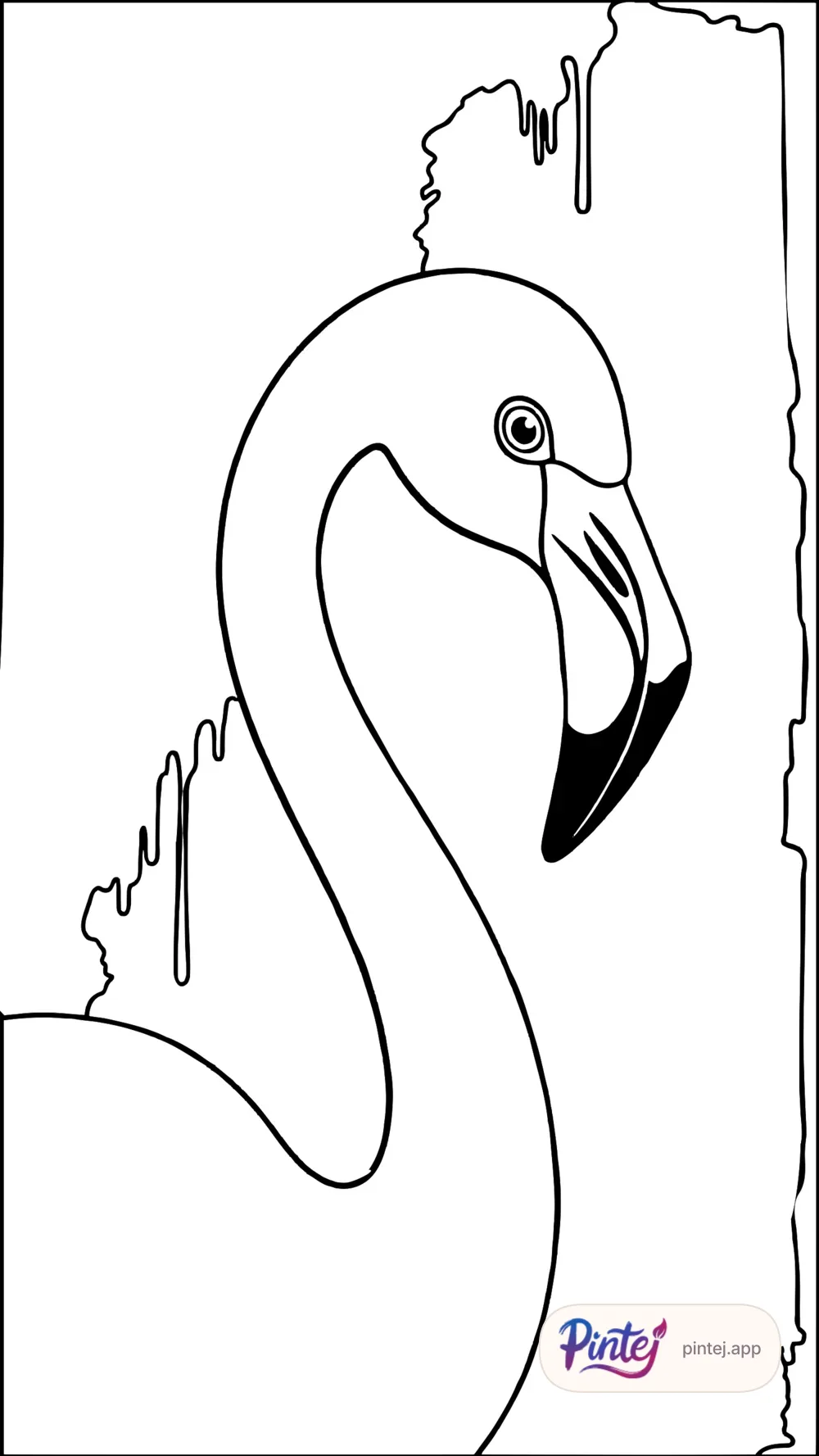
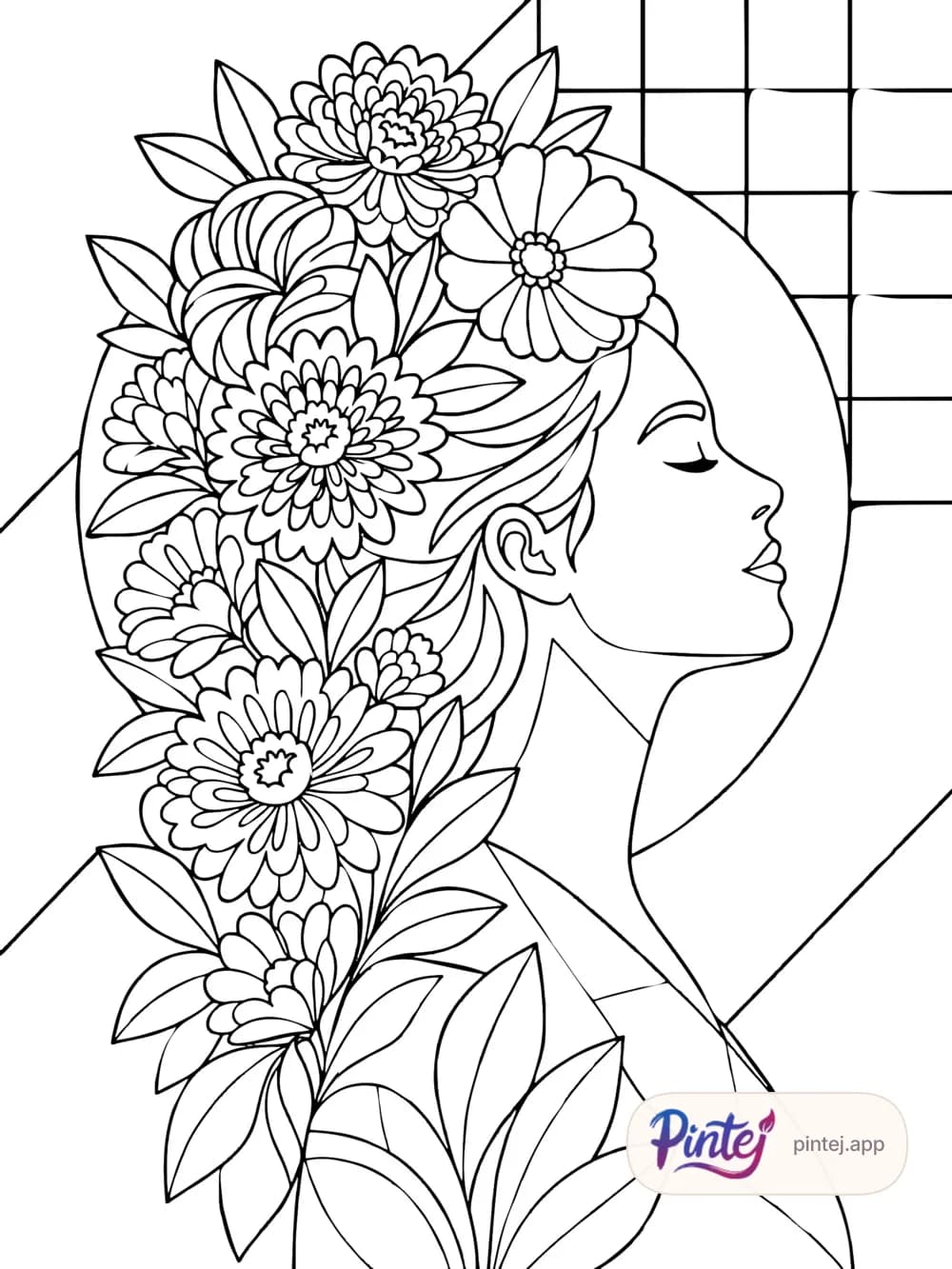
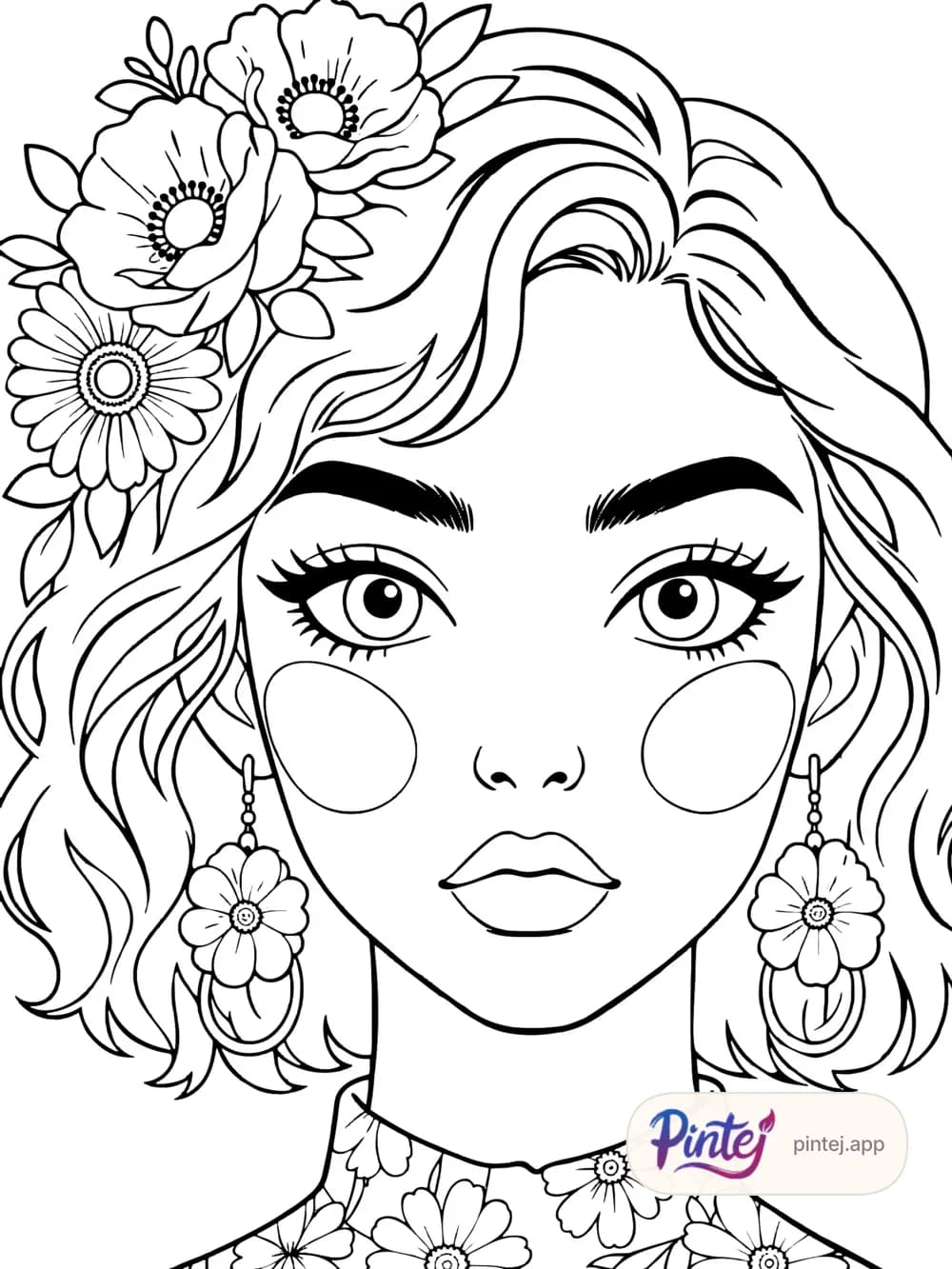
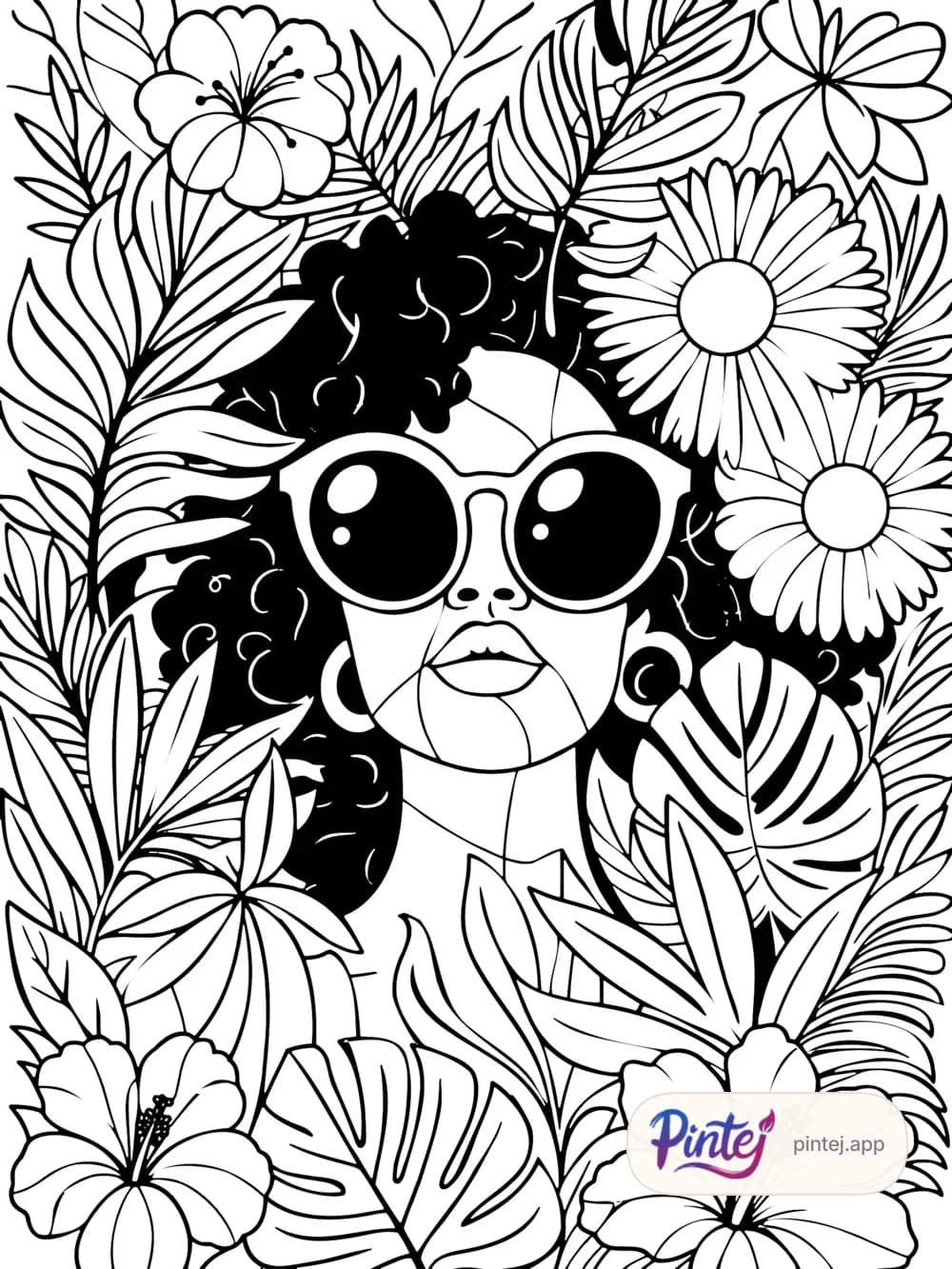
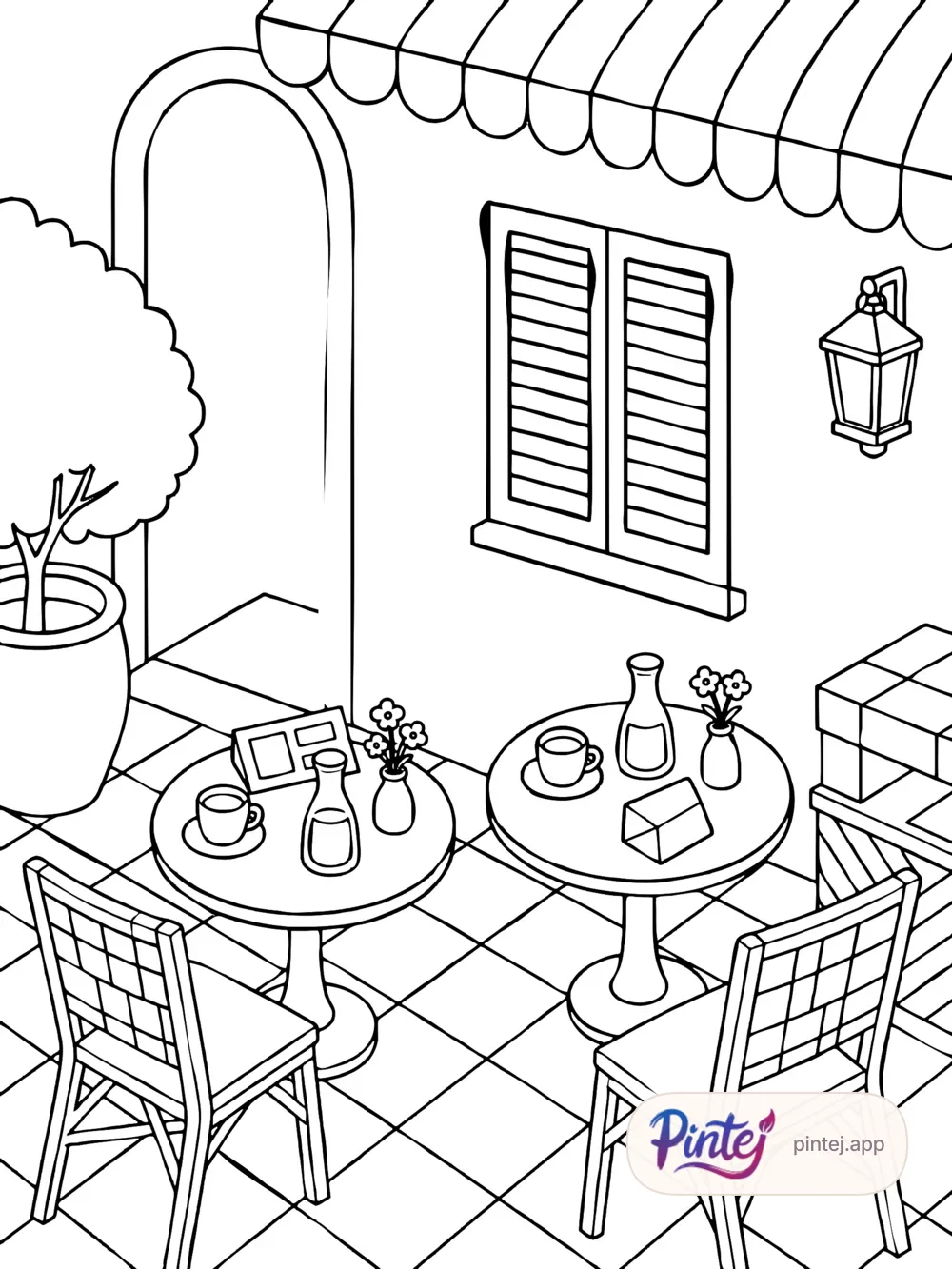
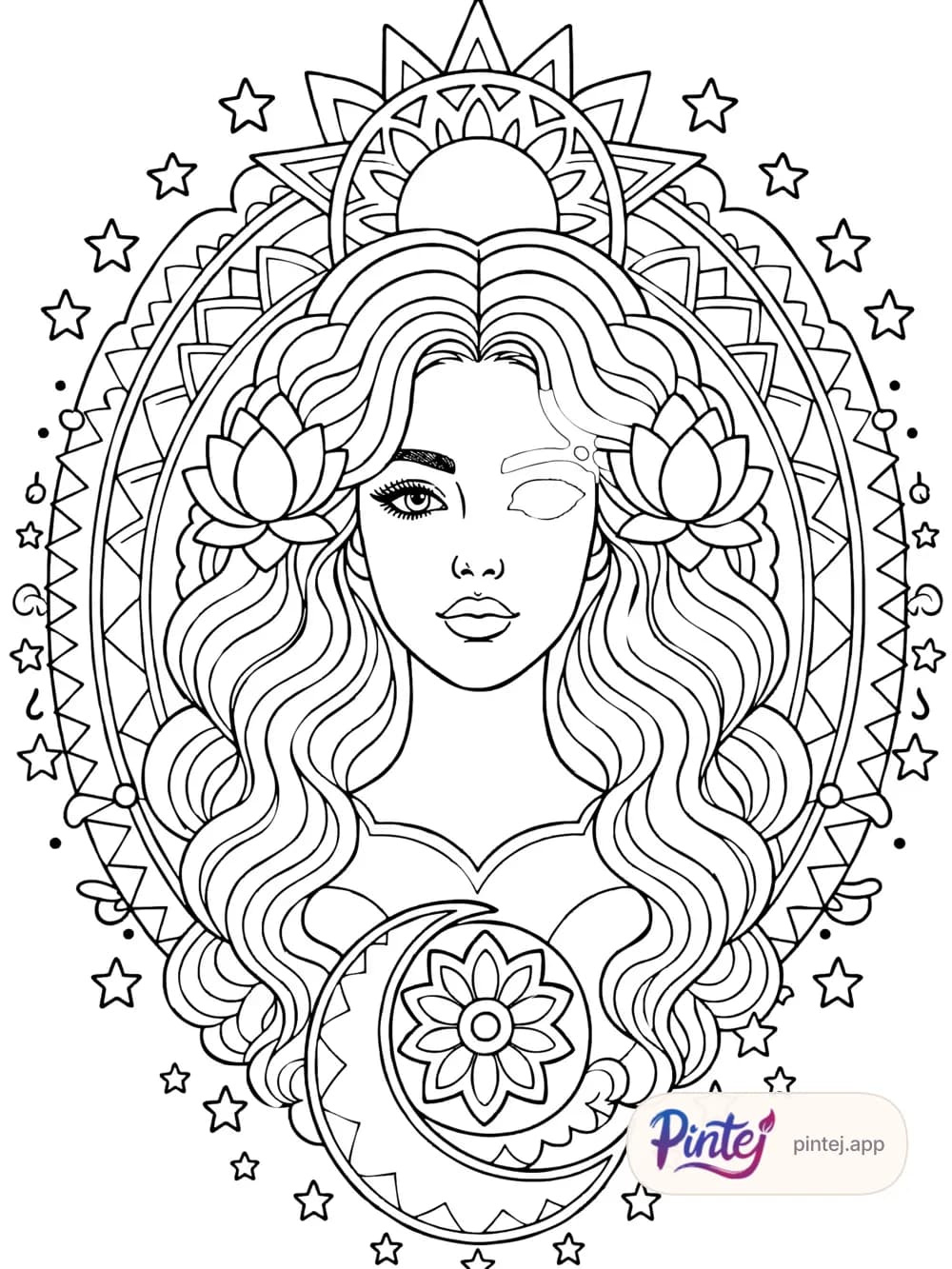
Pintej doesn’t stop at line art: the areas are closed, the page joins your book and you color it in the app. A converter gives you an image; Pintej gives you a book.
AI6 free photos when you first sign in with Google.
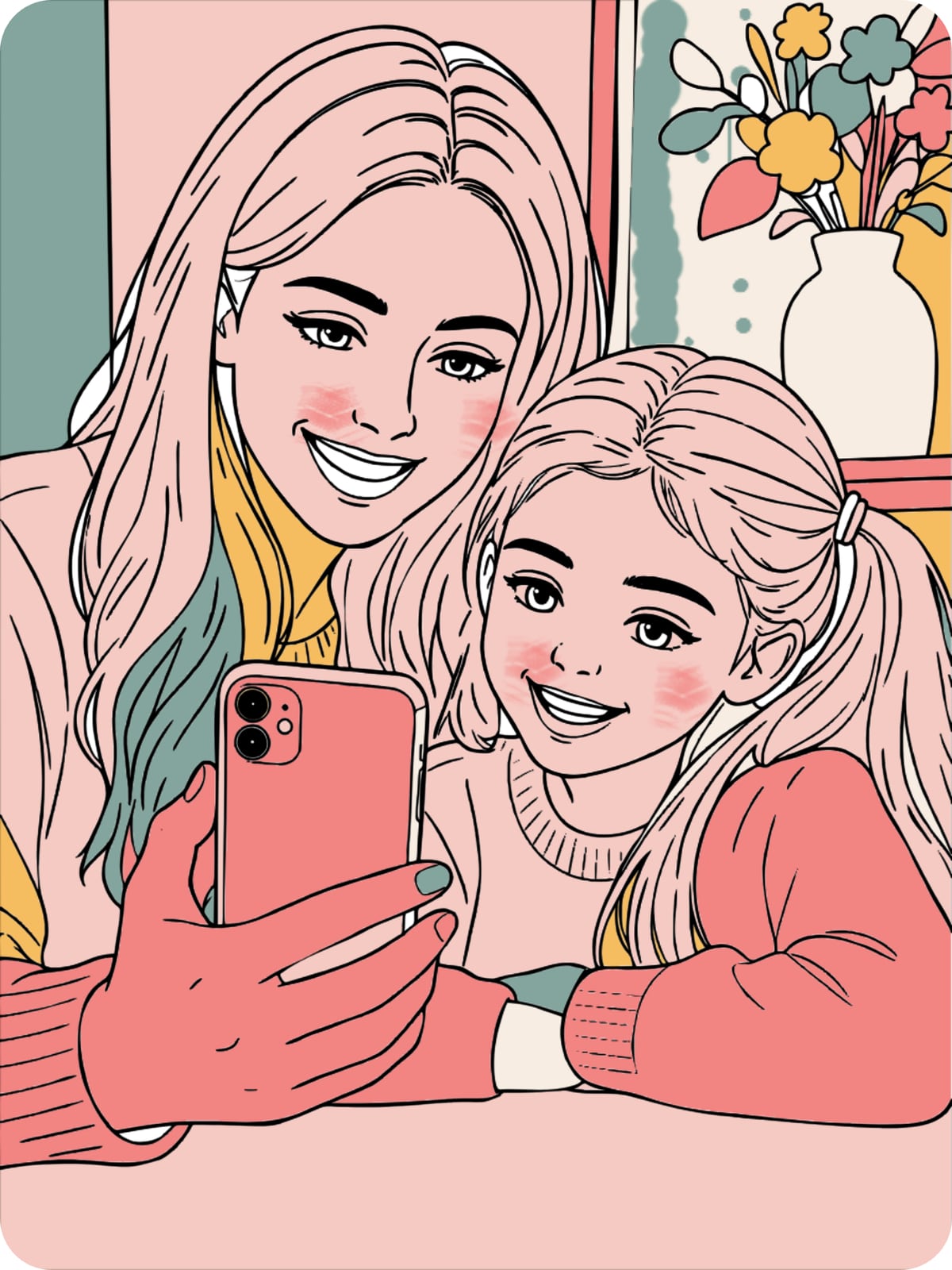
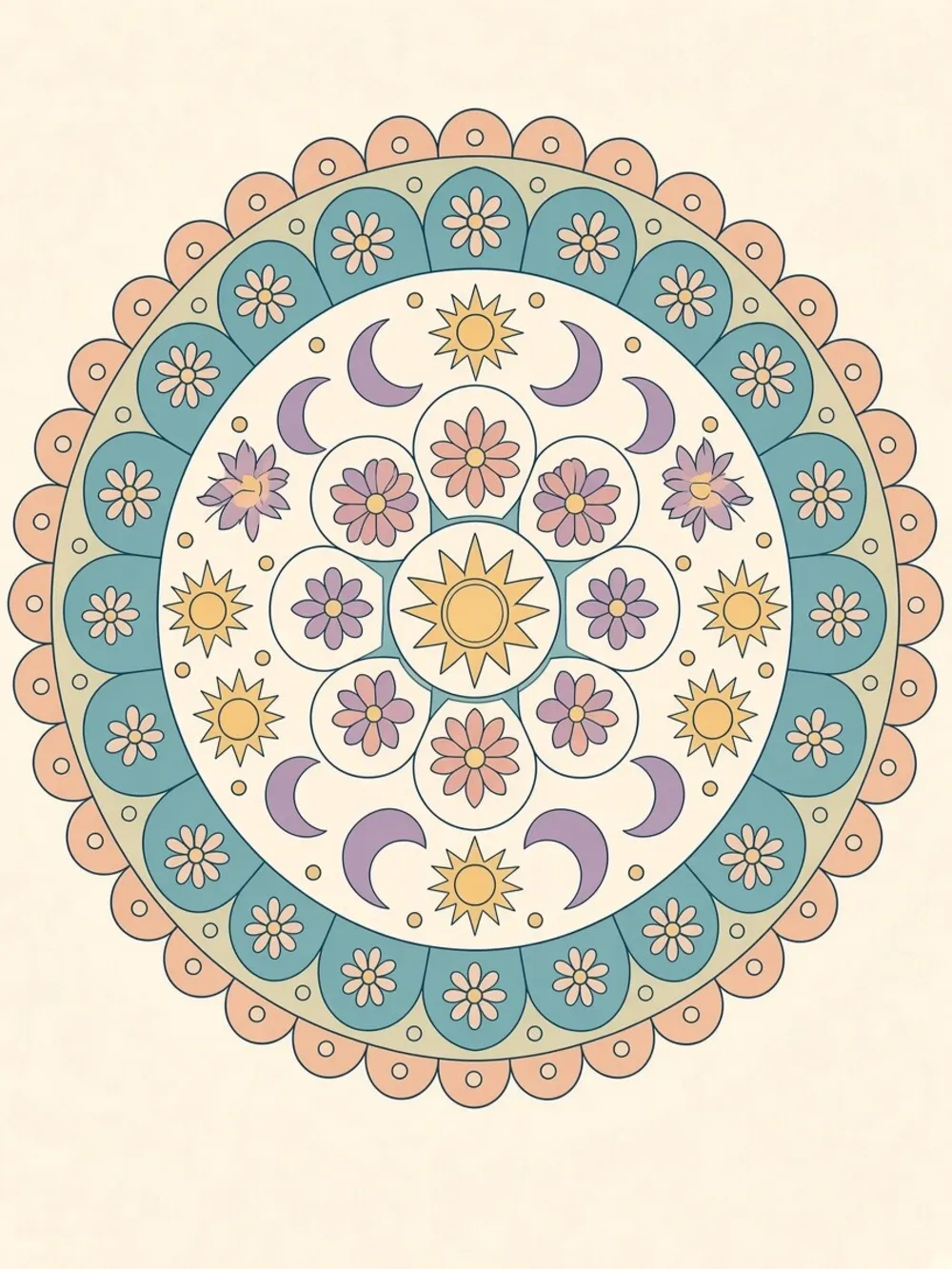
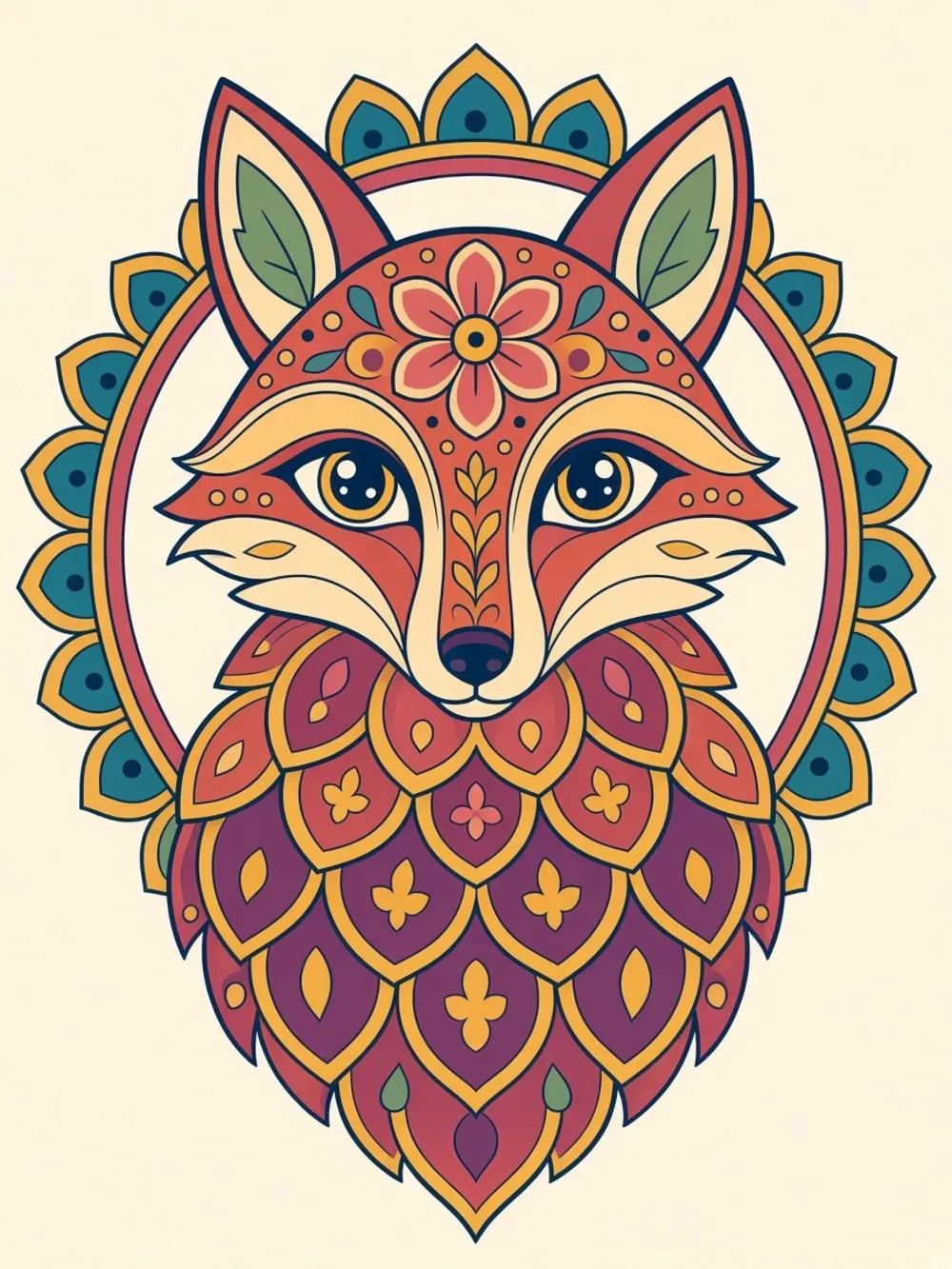
Colored
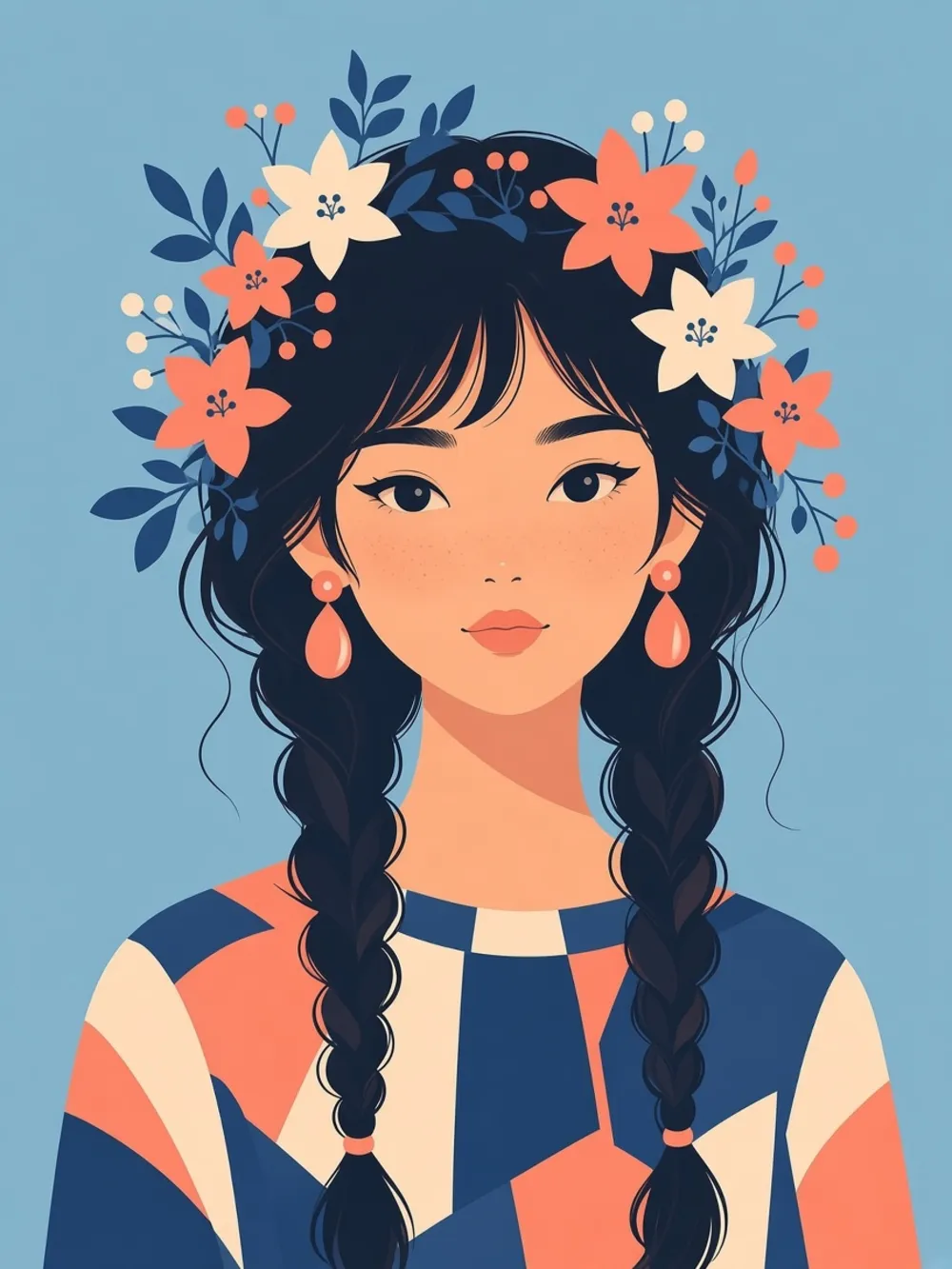
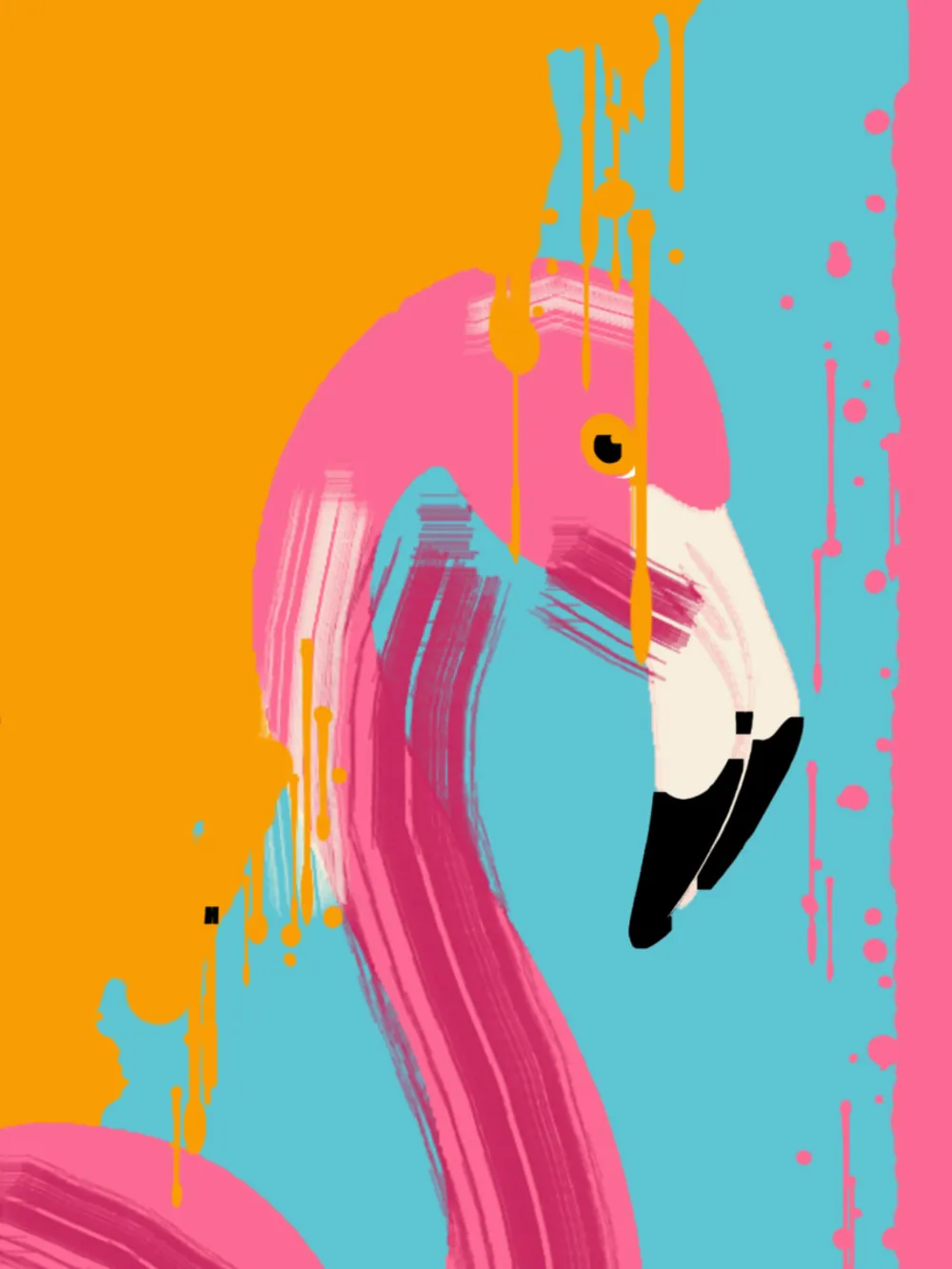
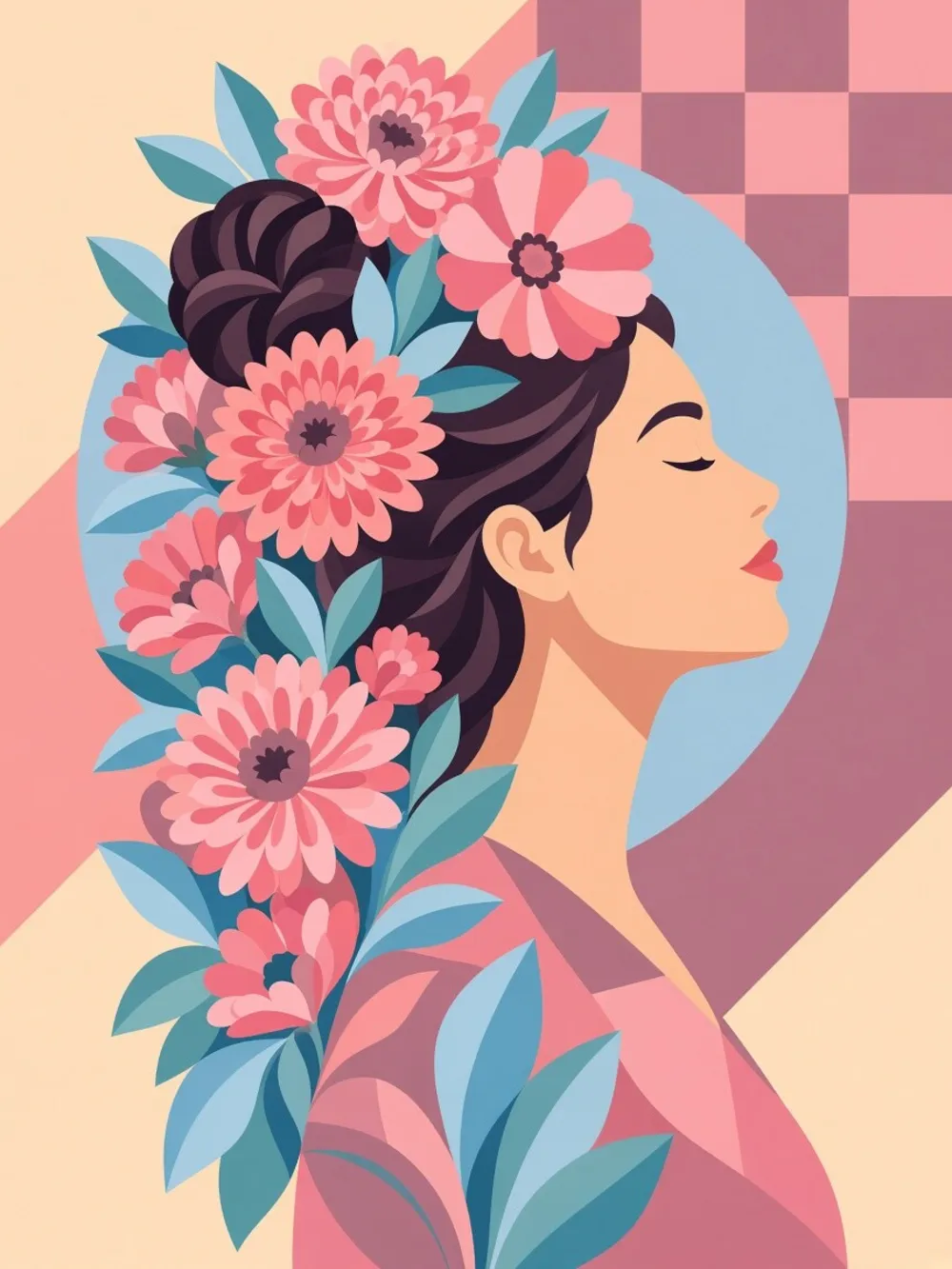
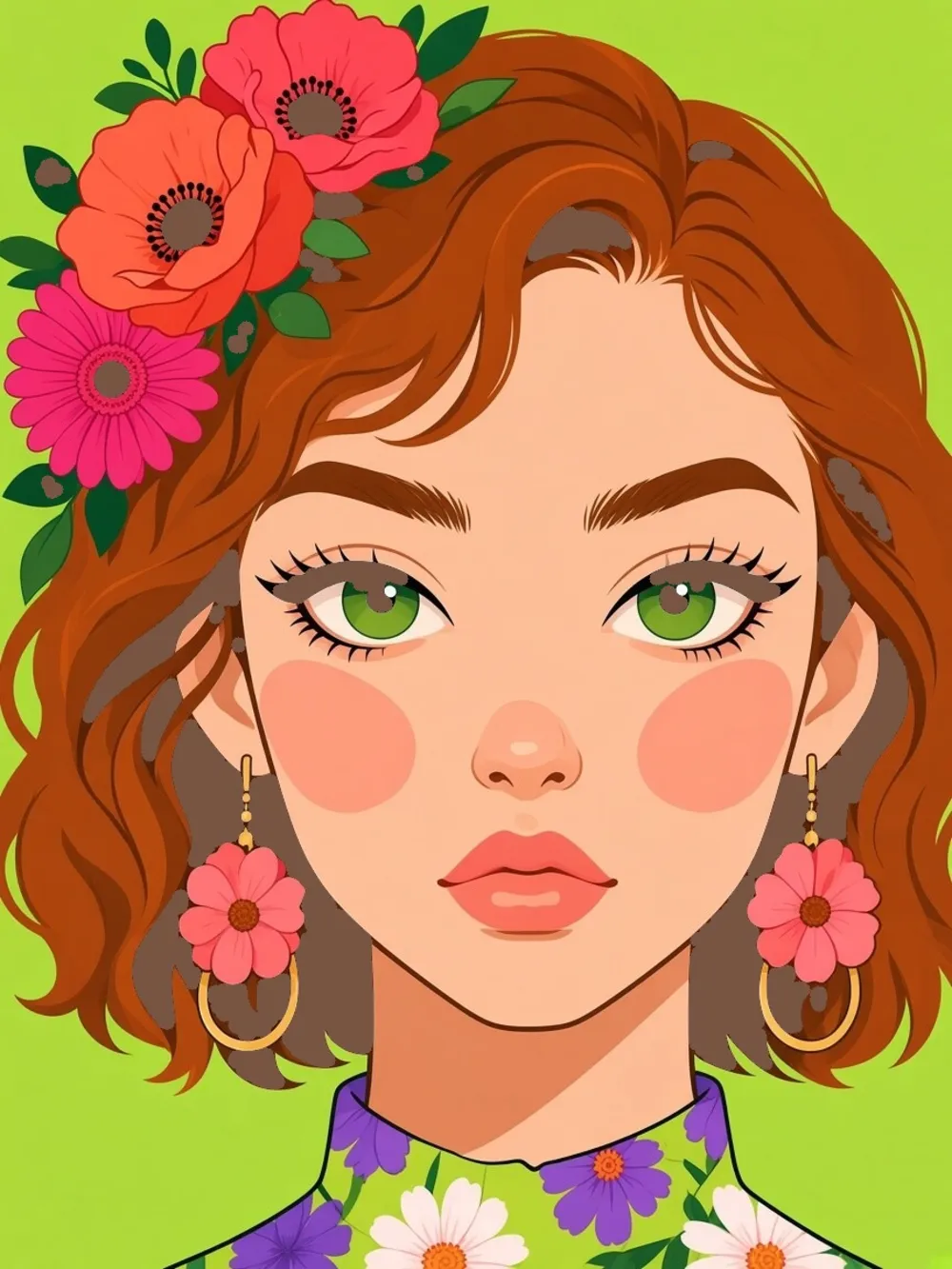
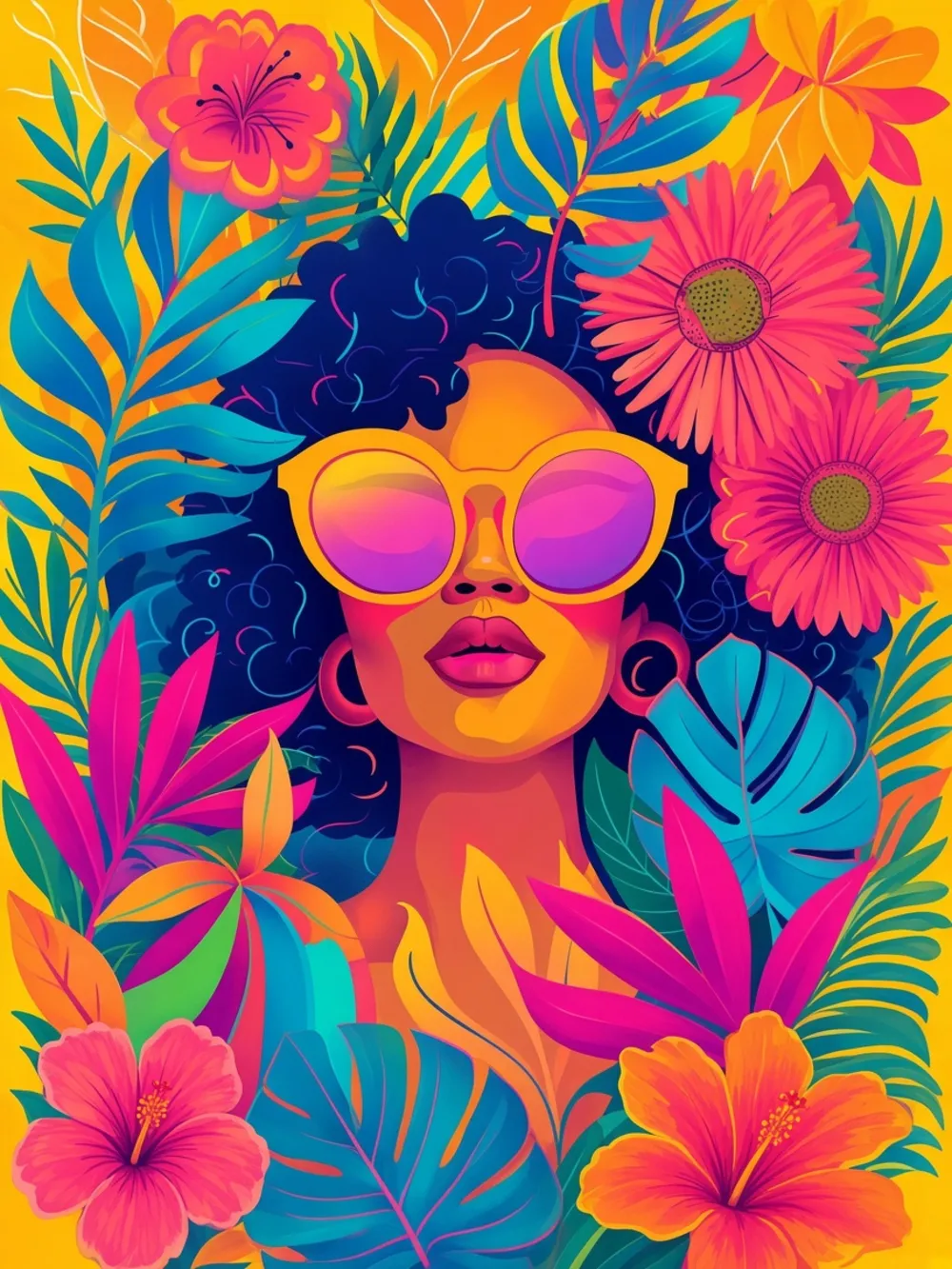
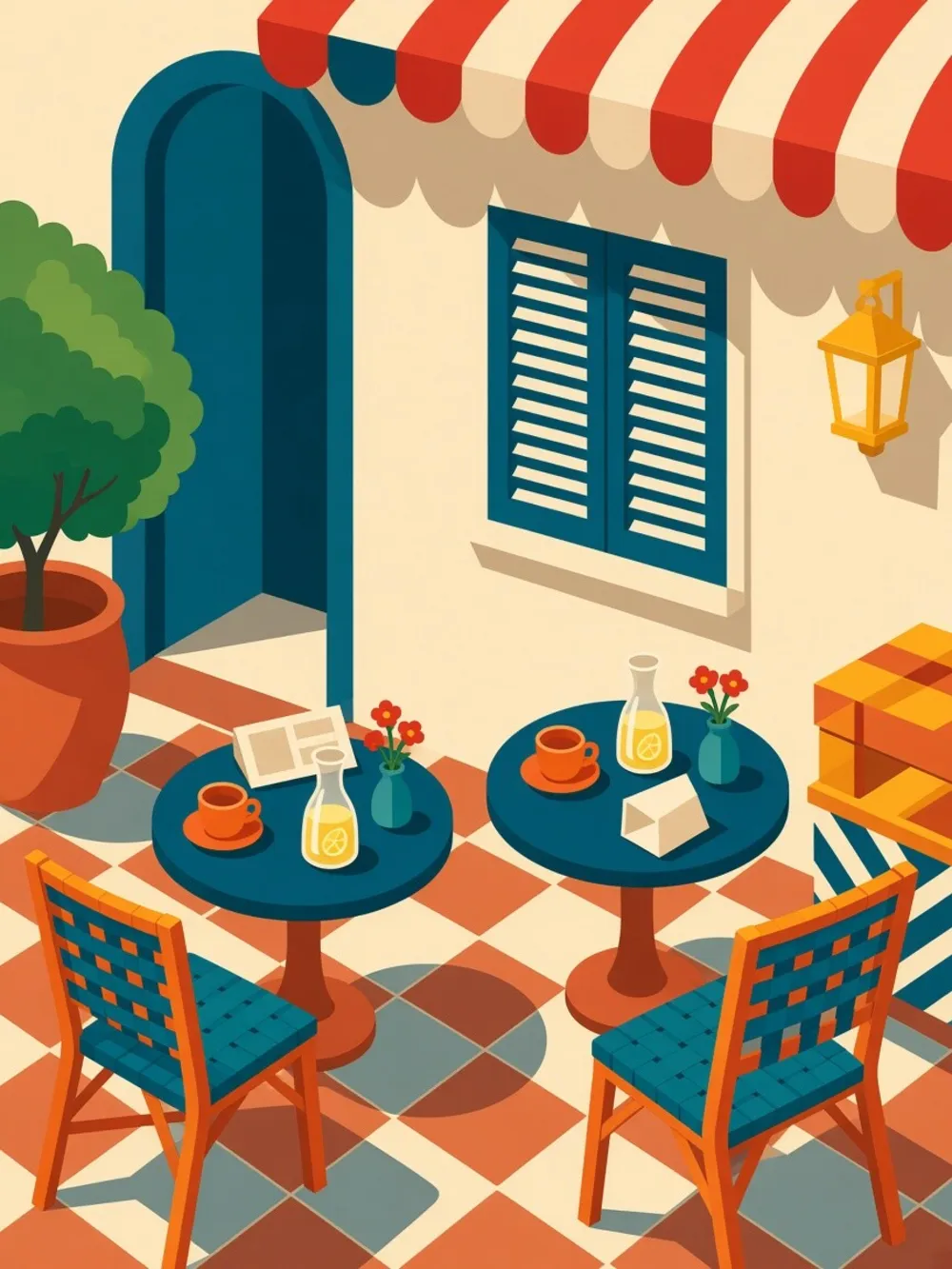
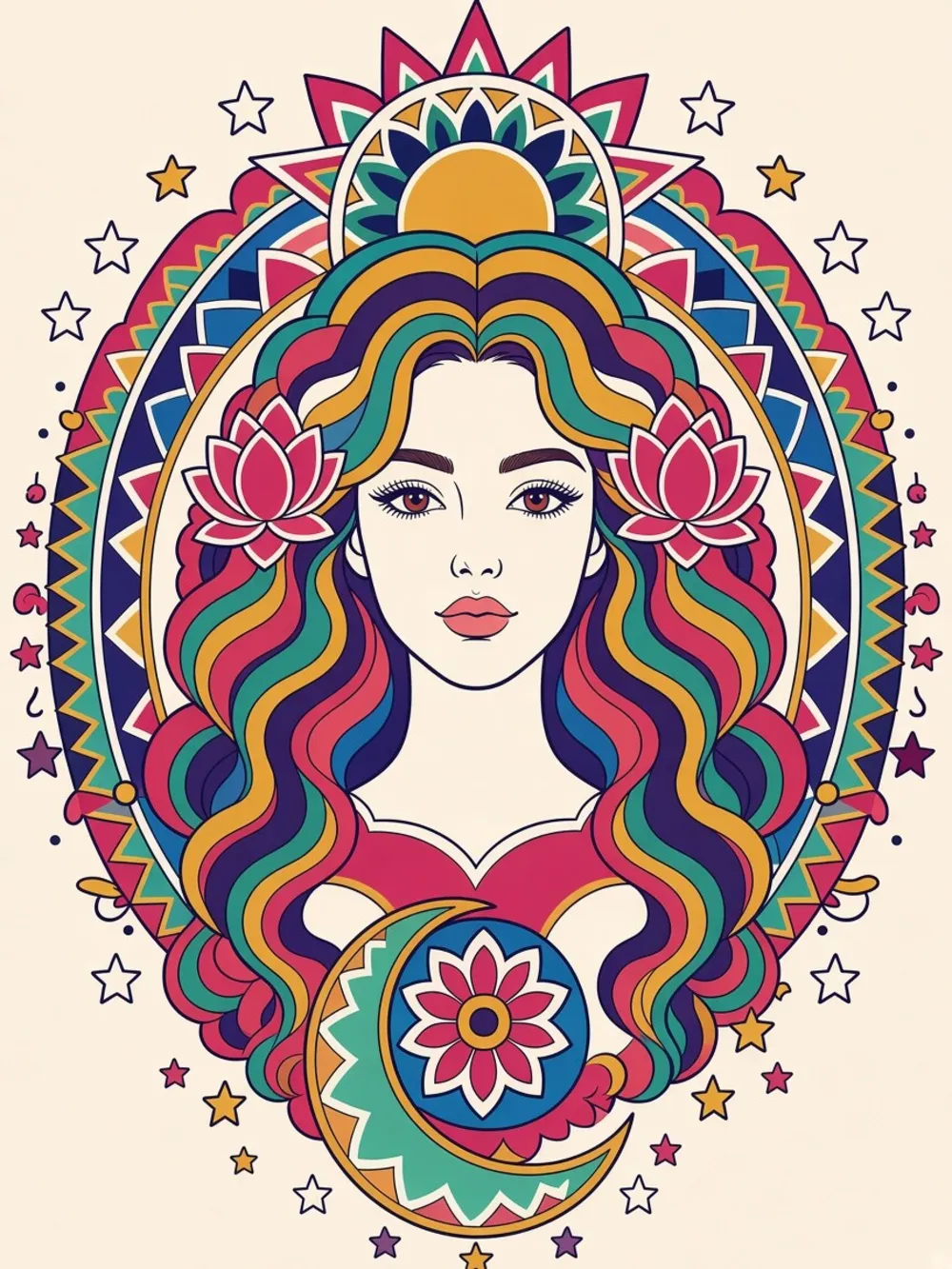
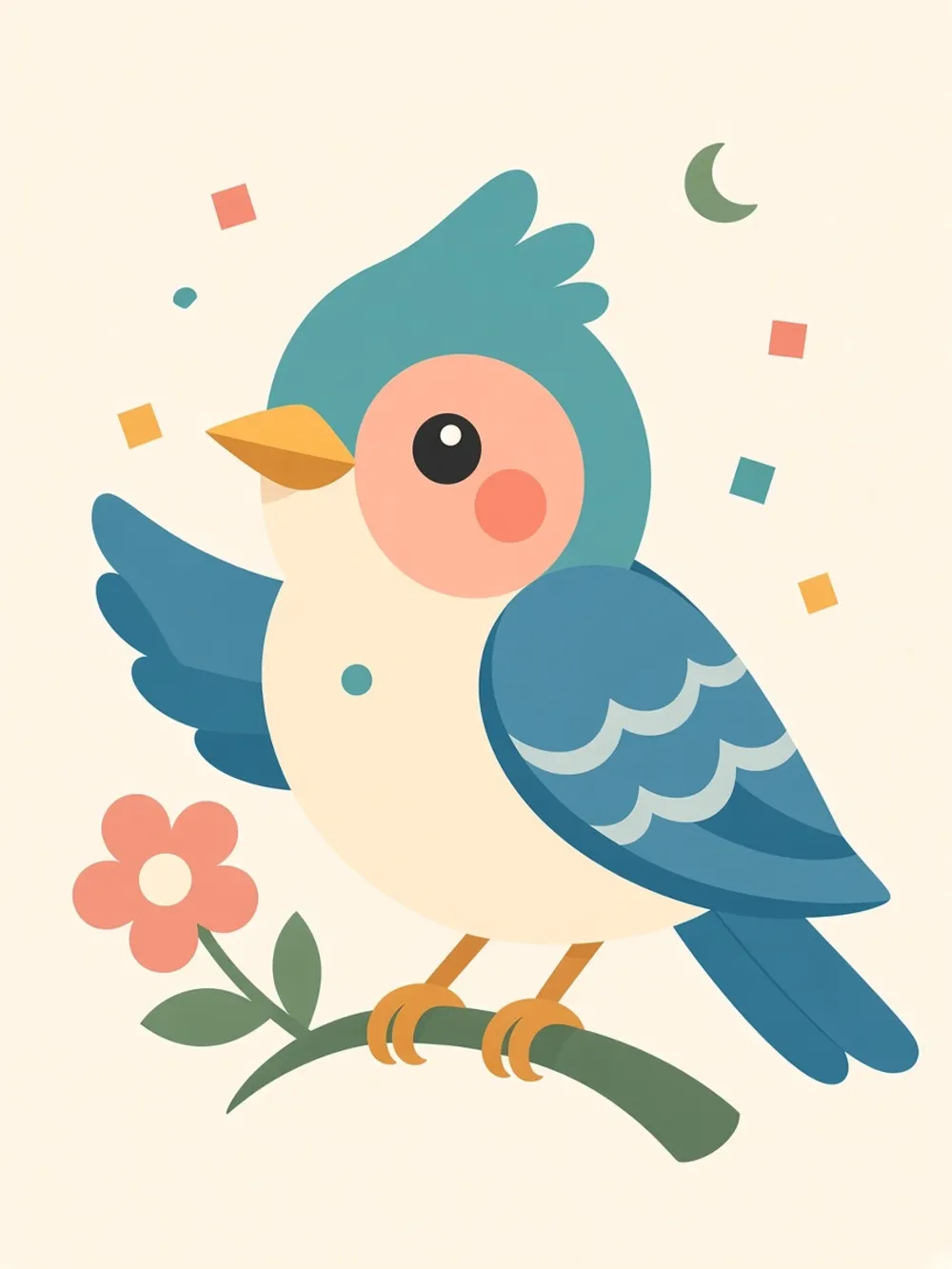
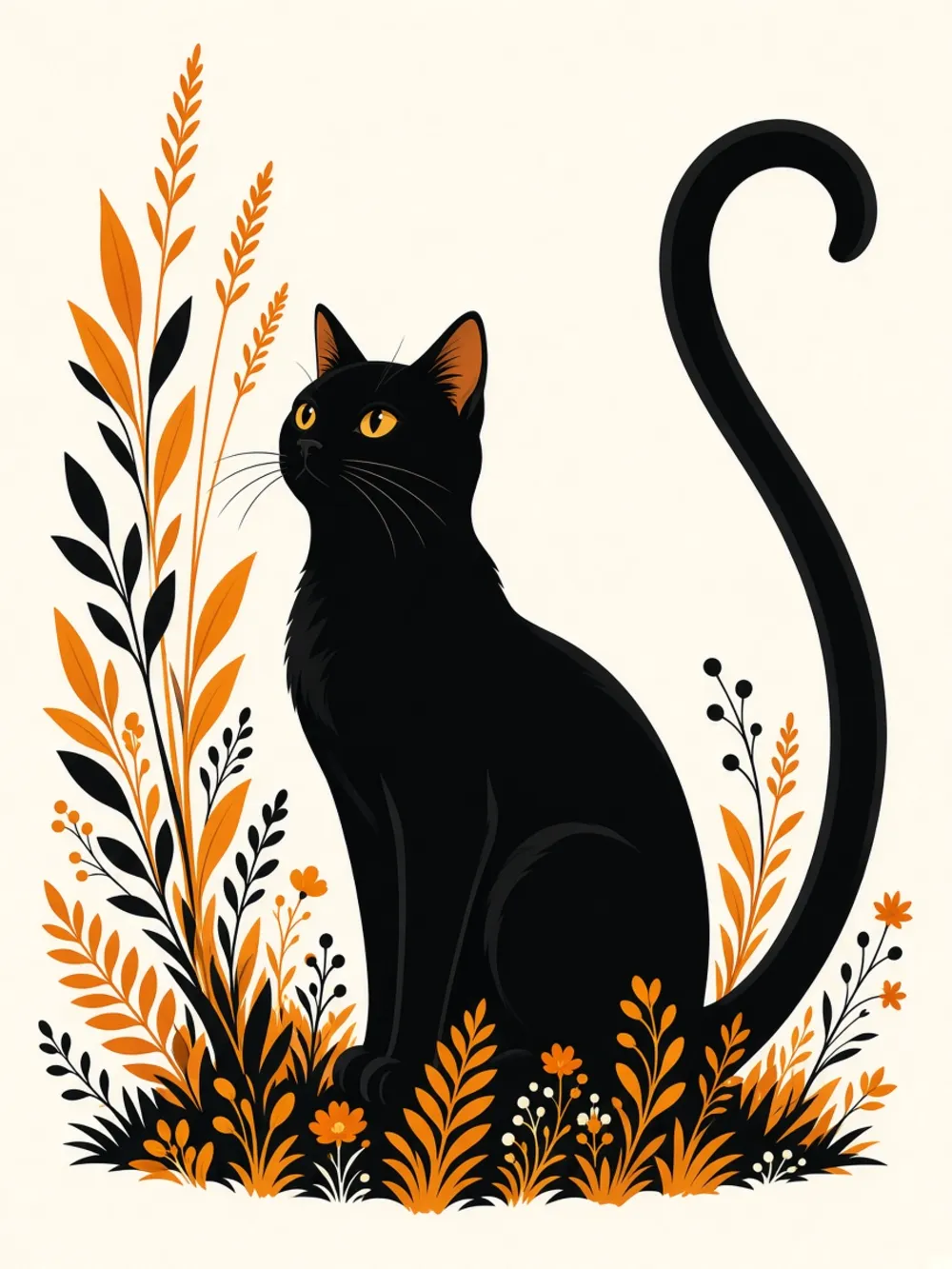
The colored page — finished in Studio
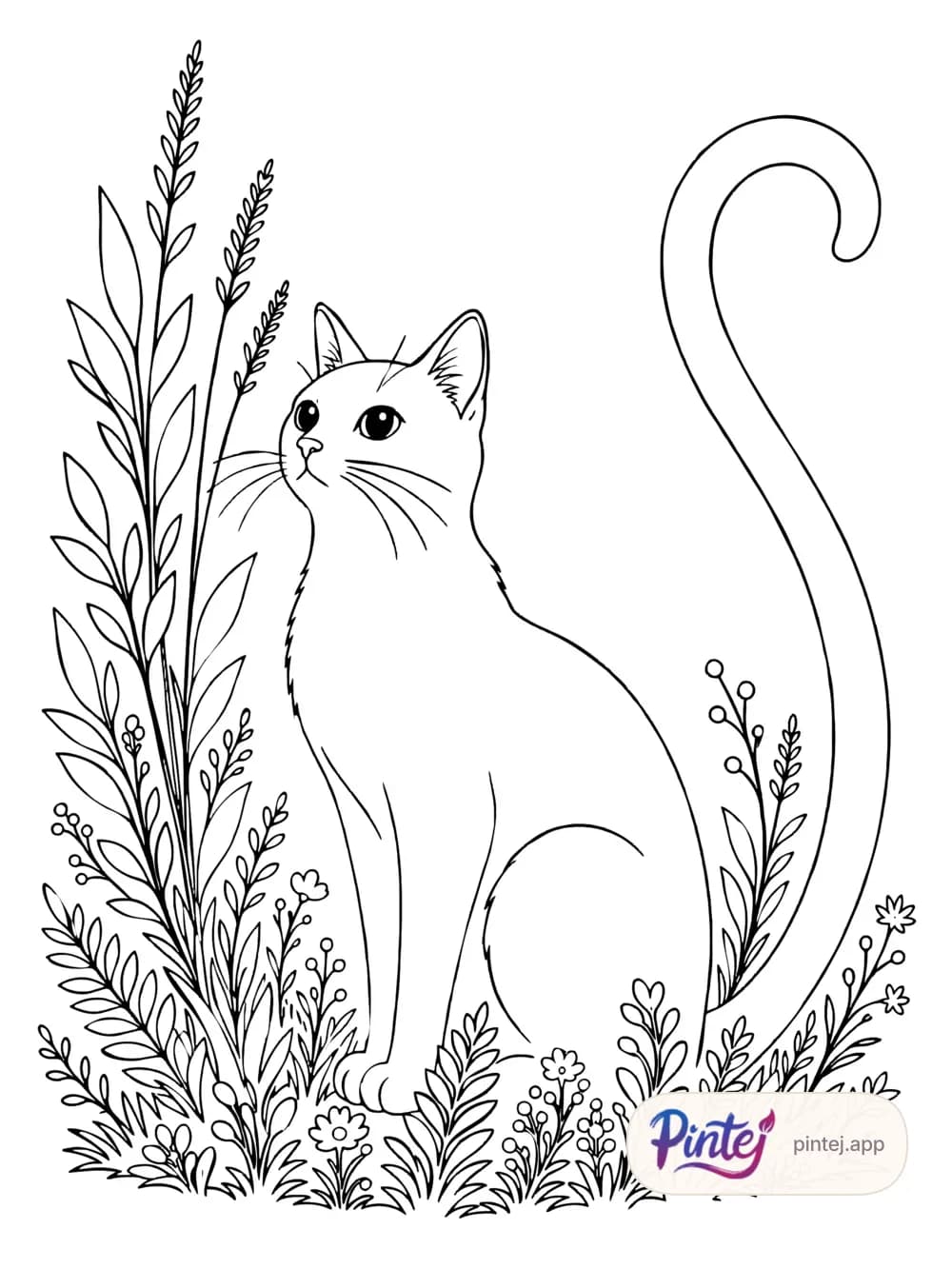
Photo, AI line art, then the page colored in the app.
Studio
Your book opens up big, page by page or as spreads. Everything happens under your finger.
Open the spreads strip: all your pages are right there. Drag a spread to reorder.
Pick a page background from your palette: the whole page changes tone.
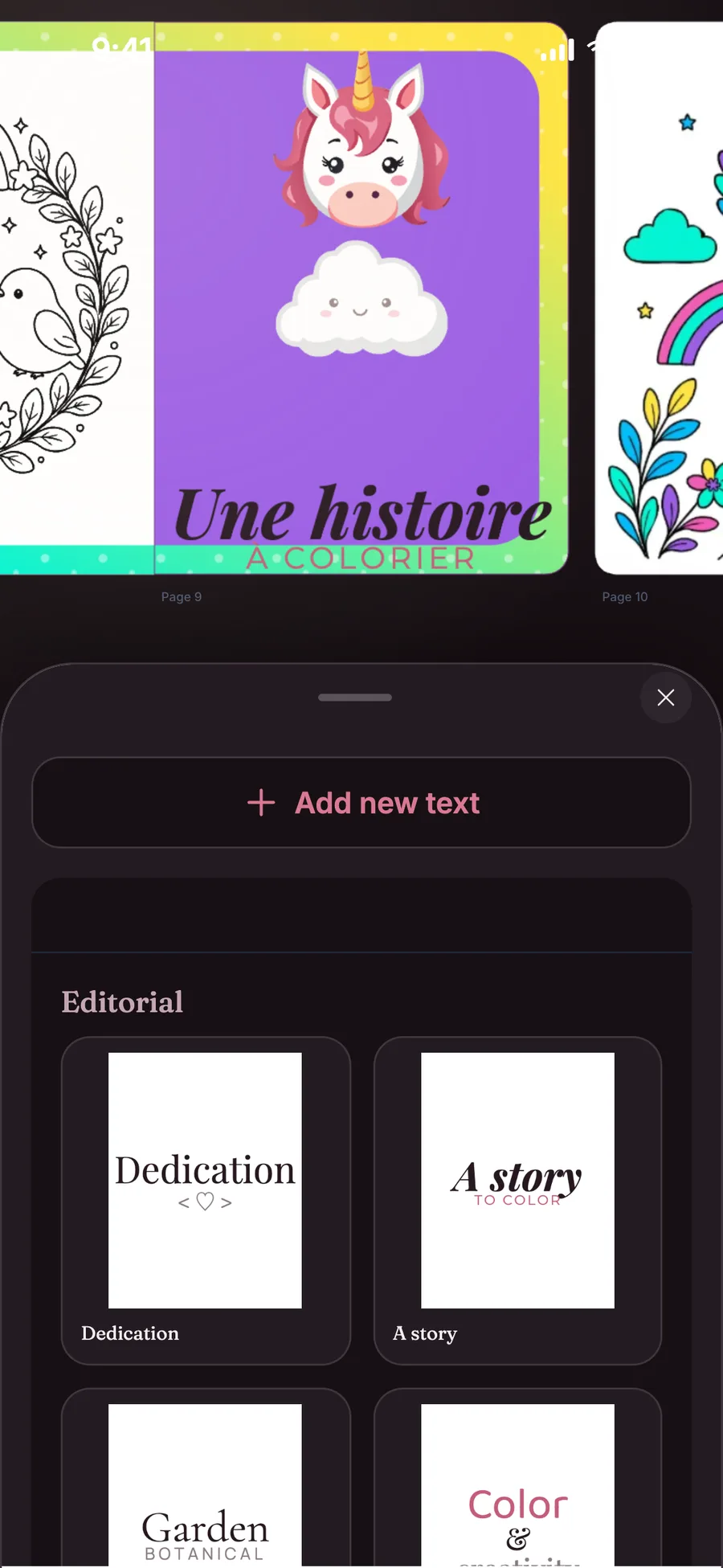
Dedication, story, keepsake: drop a title that’s already laid out, then change the words.
Pick a pattern and it matches your palette. Set its thickness or stretch it across the spread.
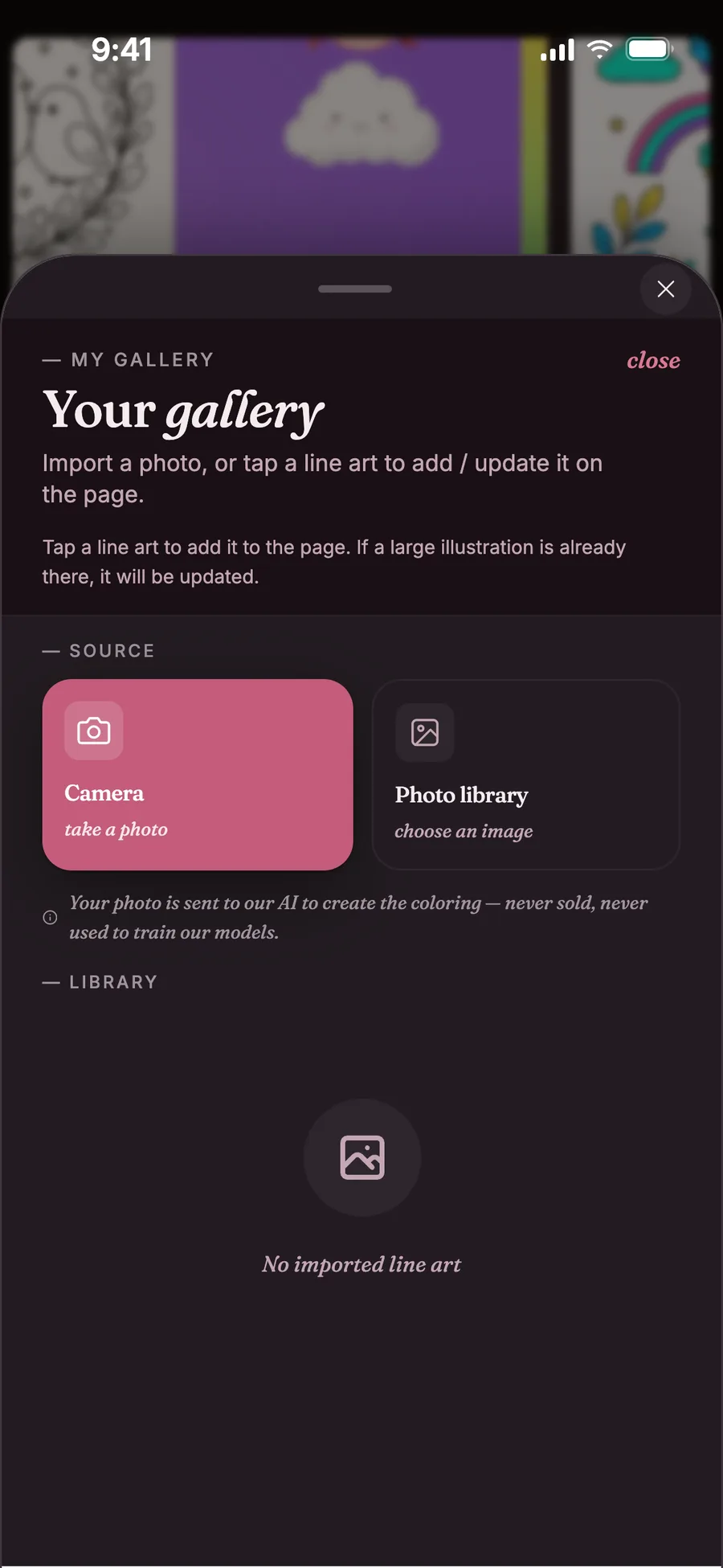
Import a photo from your gallery: it becomes a drawing to color, placed on the page.
Pinch to zoom, fling the page: it flies, then slows down naturally.
Some text presets and frames are included with Lifetime Premium.
Fill with your finger
Tap an area: the color spreads inside it, without spilling over. Even the tiniest detail, at your fingertip.
In sweep mode, every shape your finger crosses gets filled. The hue can even shift along the way.
Sweep is turned on in the coloring settings.
Show it
Export your page’s time-lapse: it replays every color you laid down, from line art to finished drawing. Or export the book as a PDF and print it at home.
On the free plan, exports are 1024 px. With Lifetime Premium: HD export at 2048 px.
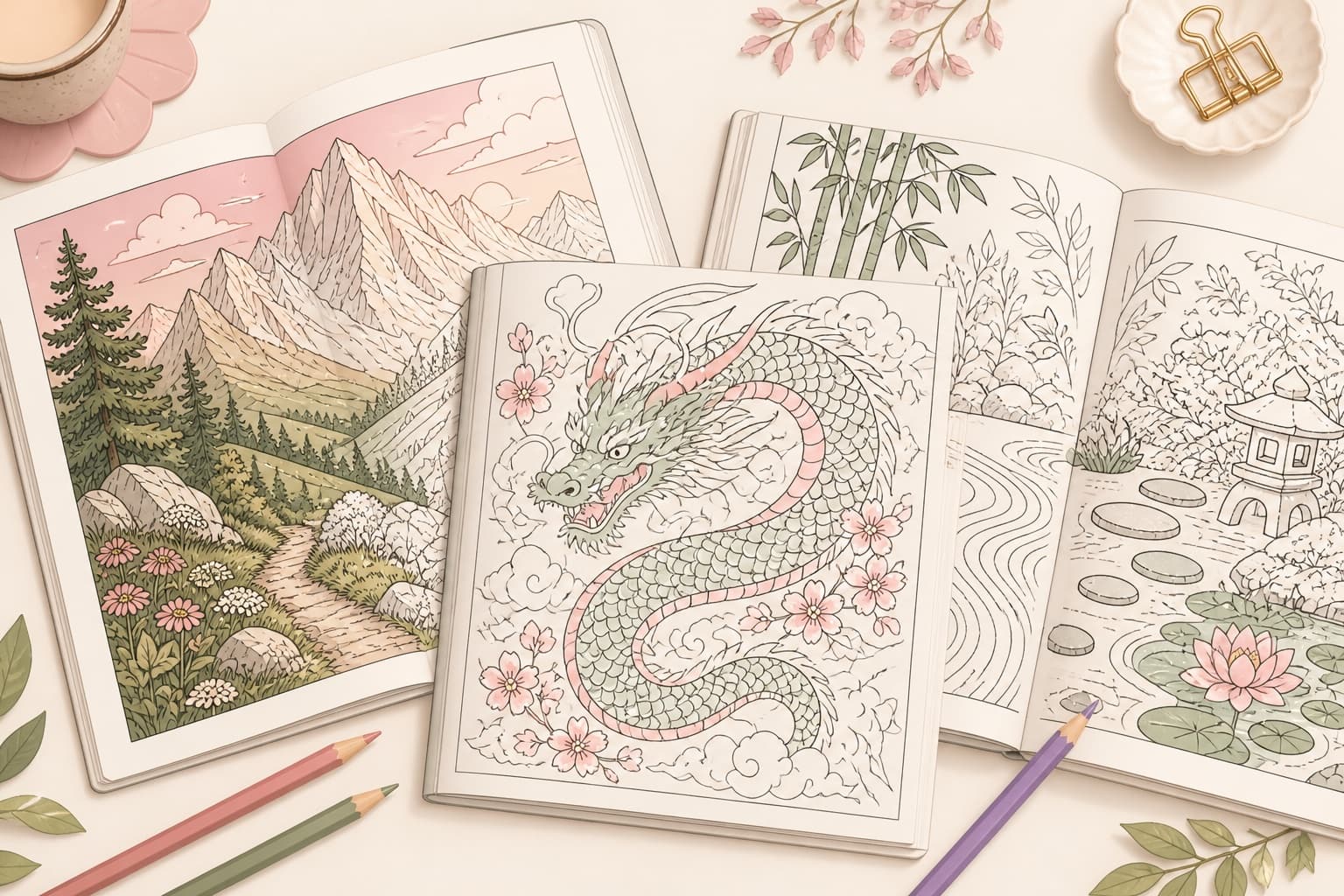
Official books
Complete official books to color in the app — not a teaser catalog locked behind a subscription.

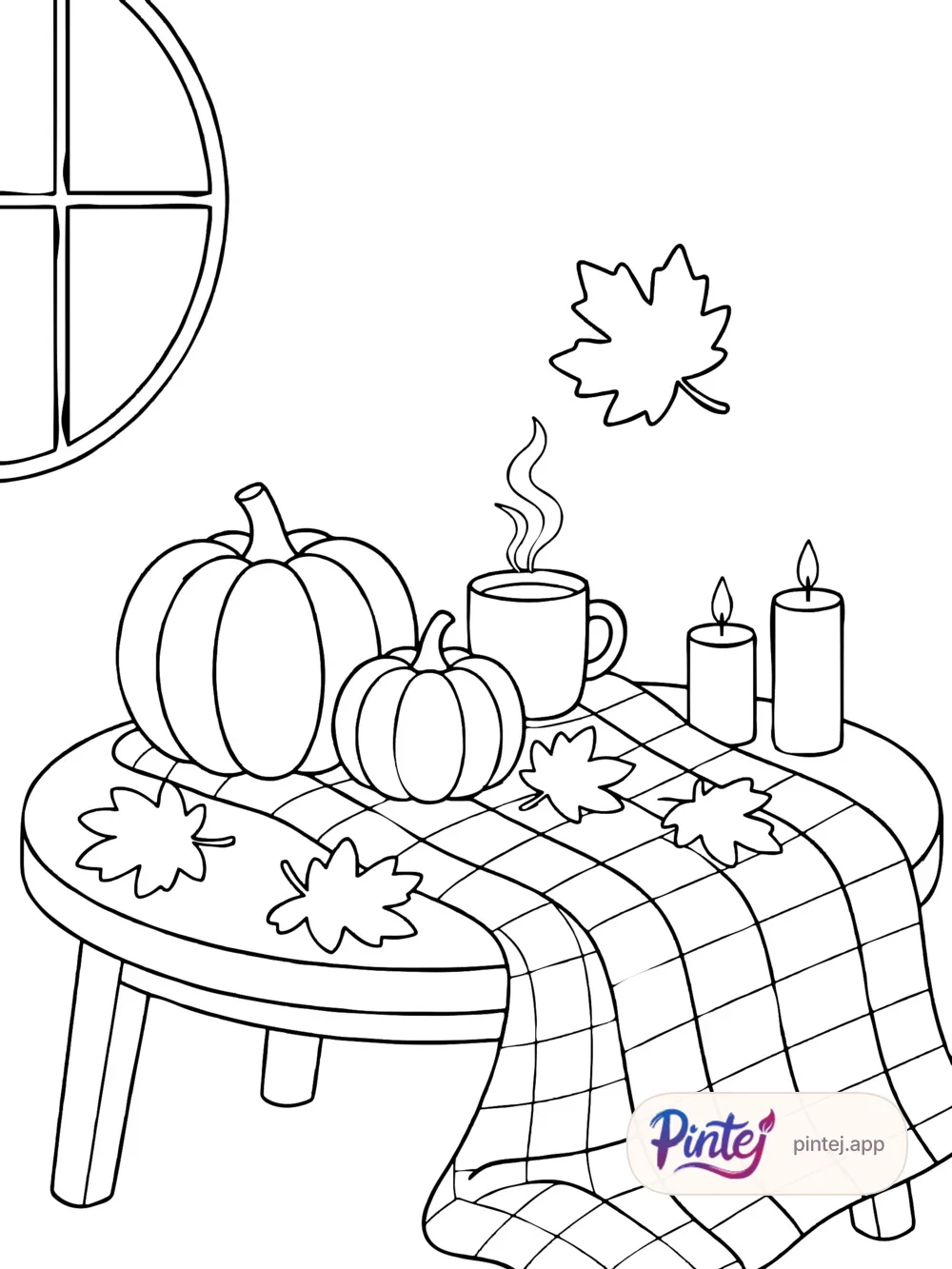
Autumn Shivers
10 pages

Floral Portraits
10 pages
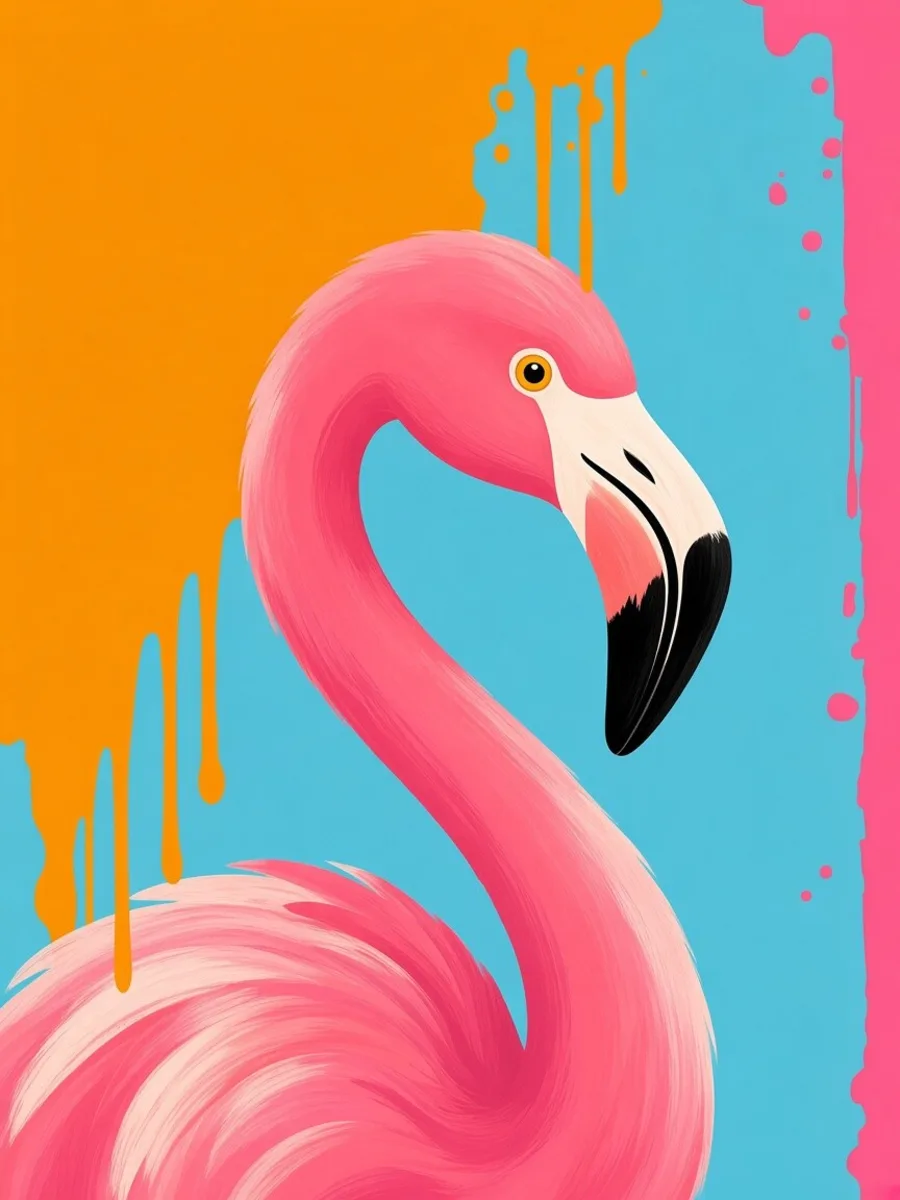
Tropical Pop
10 pages
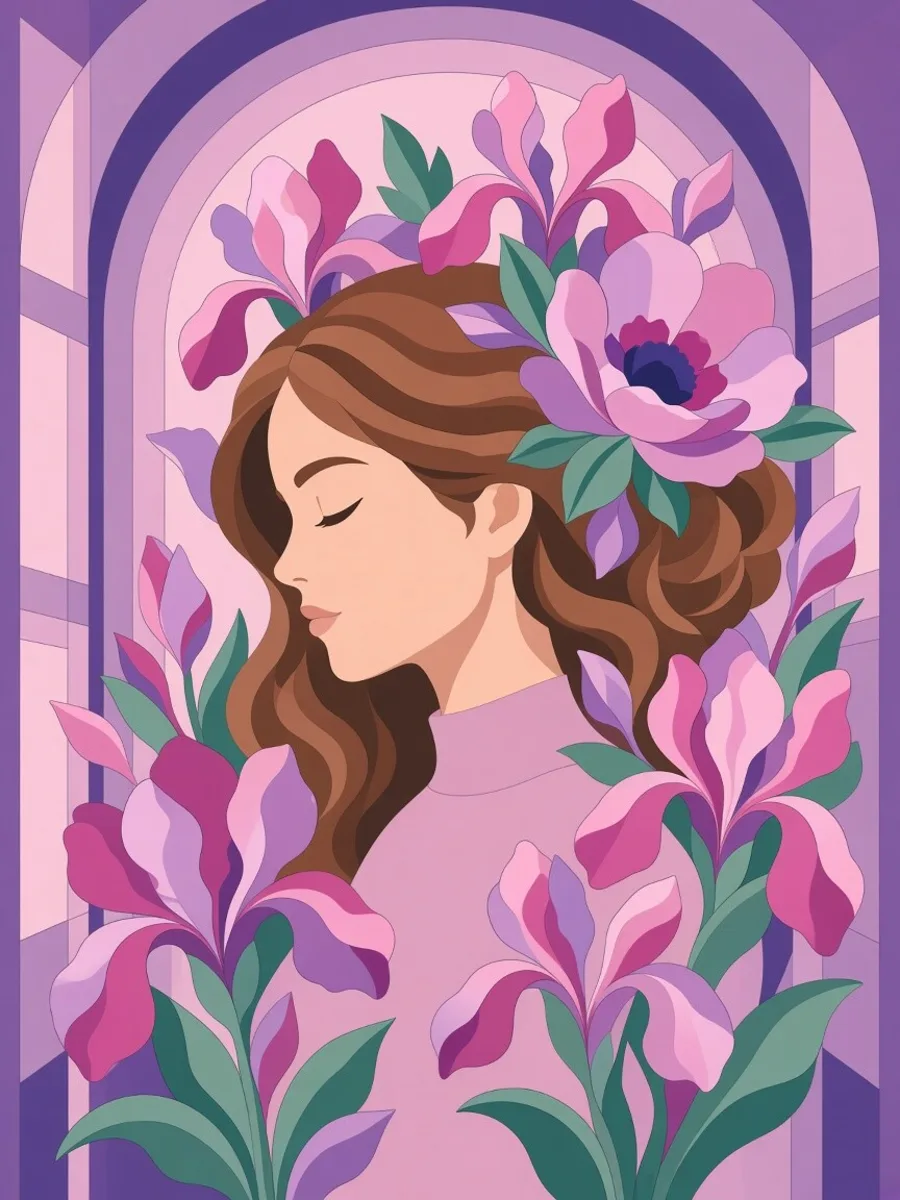
Flower Faces
10 pages
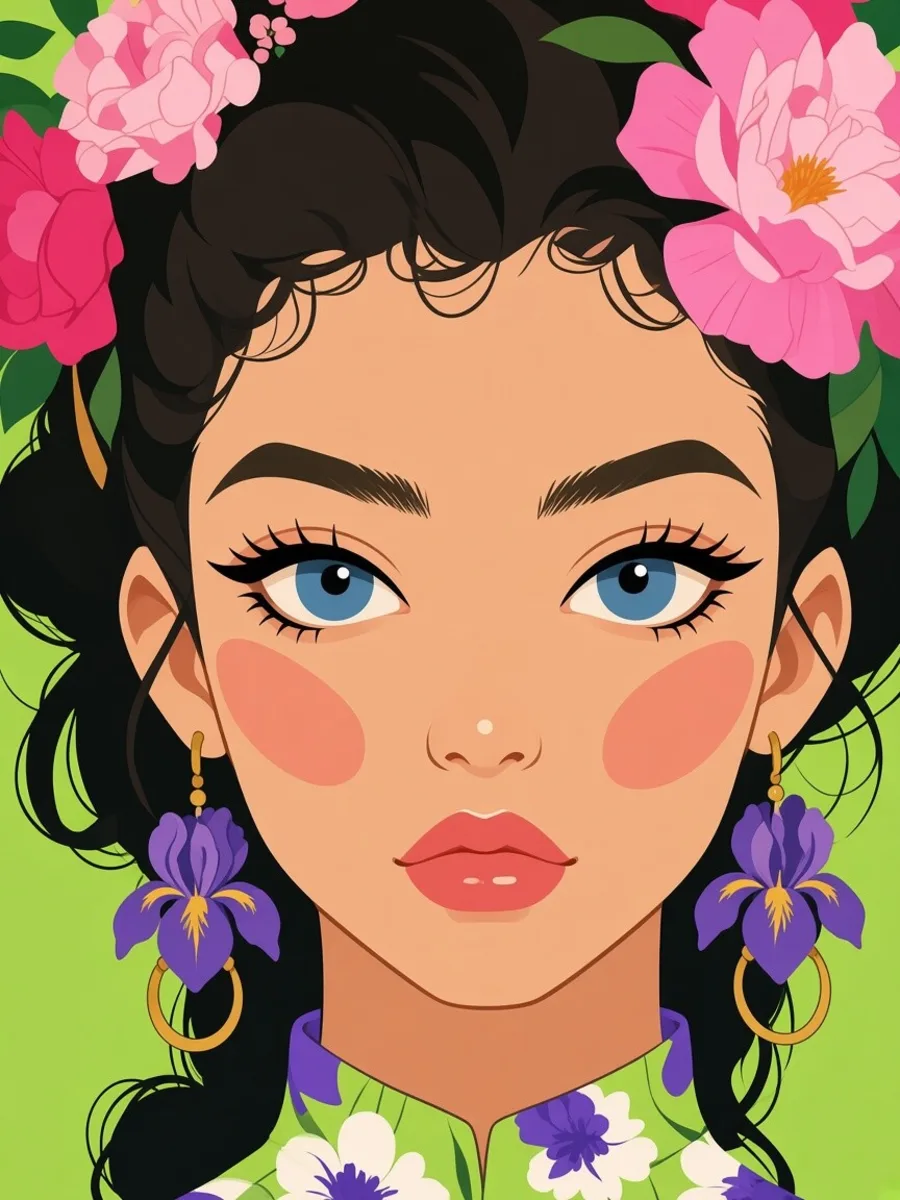
Floral Fashion
10 pages
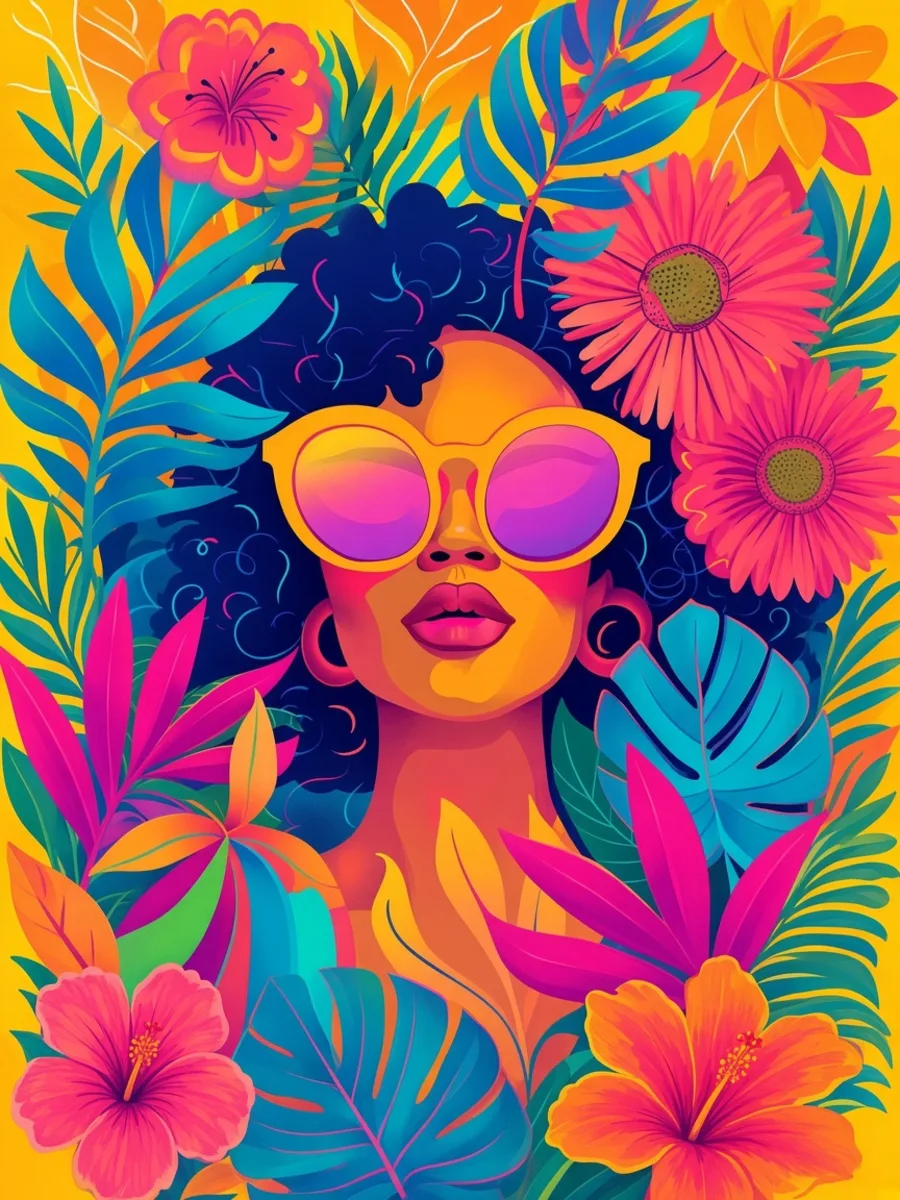
Tropical Portraits
10 pages
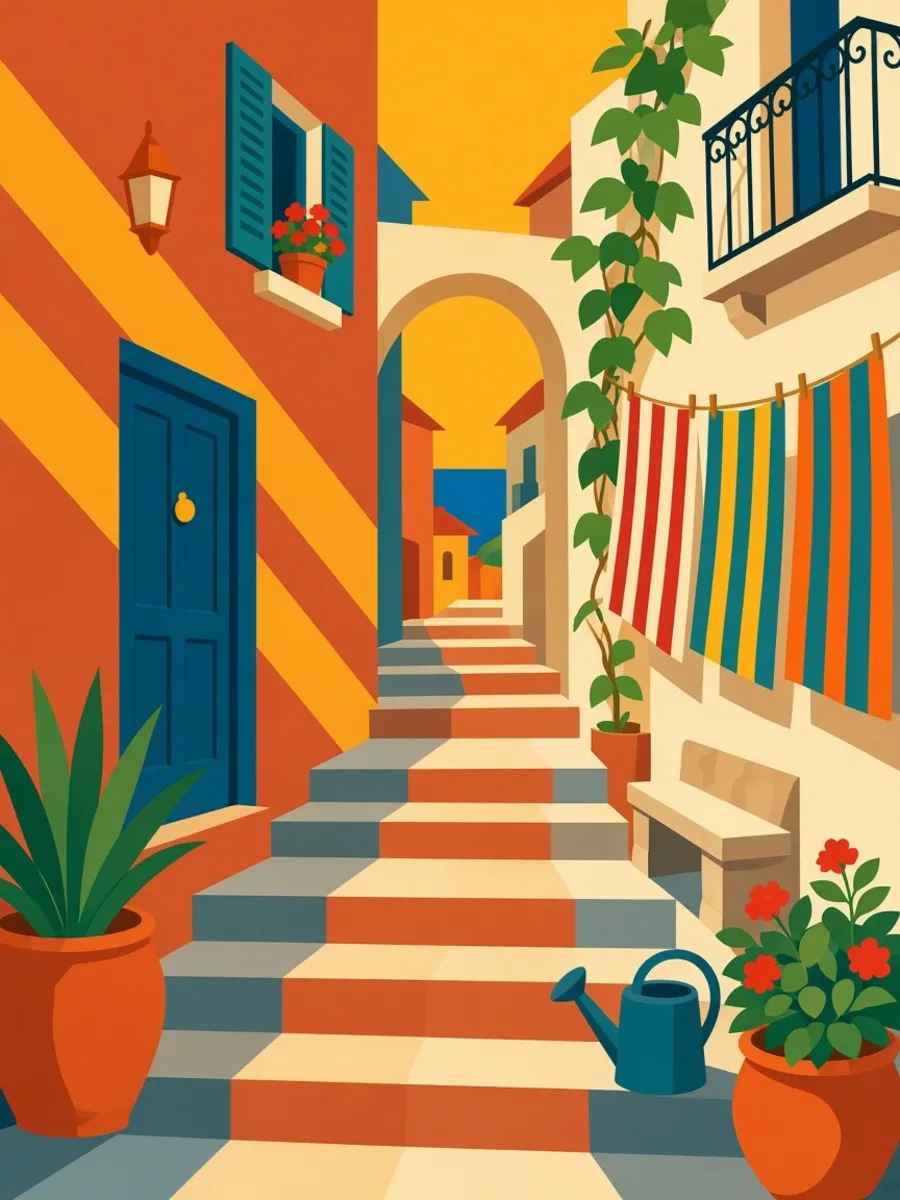
Southern Sun
10 pages
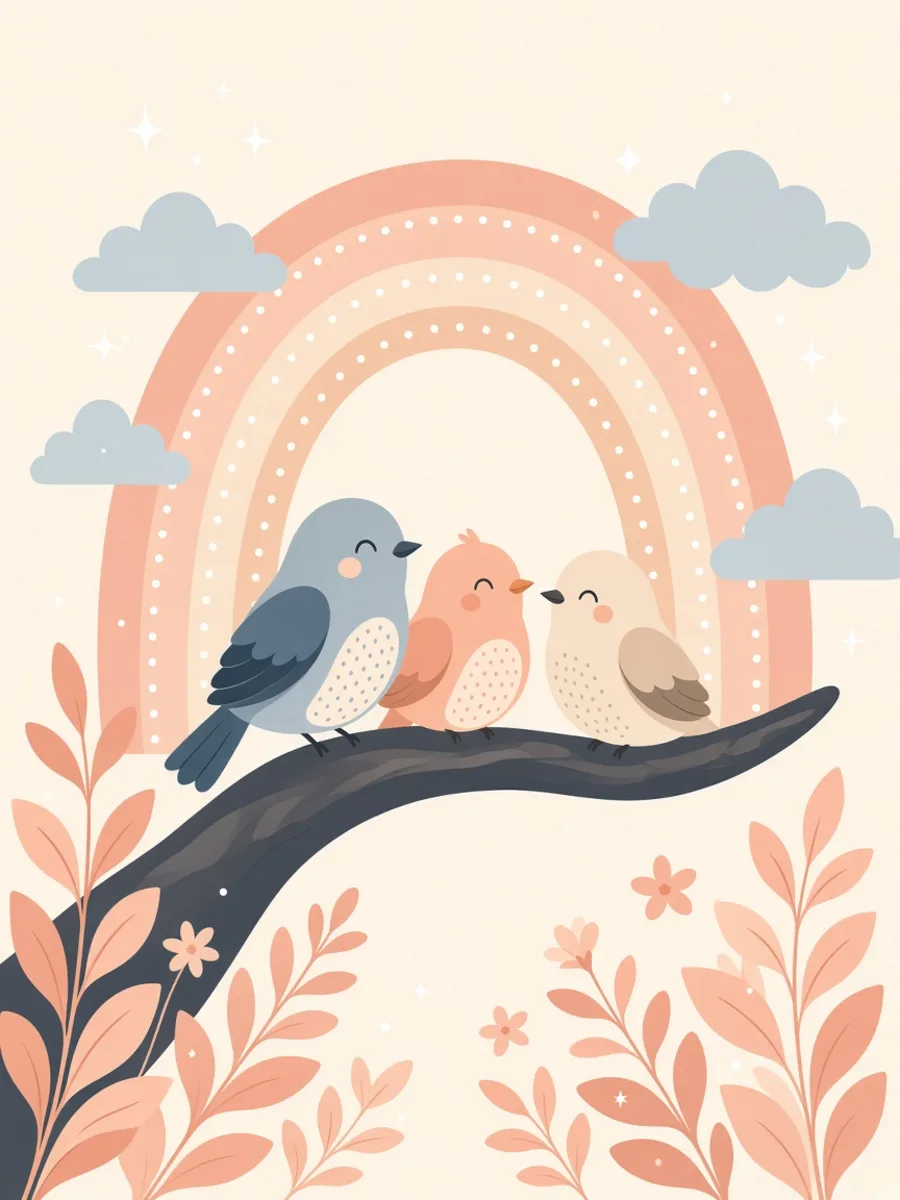
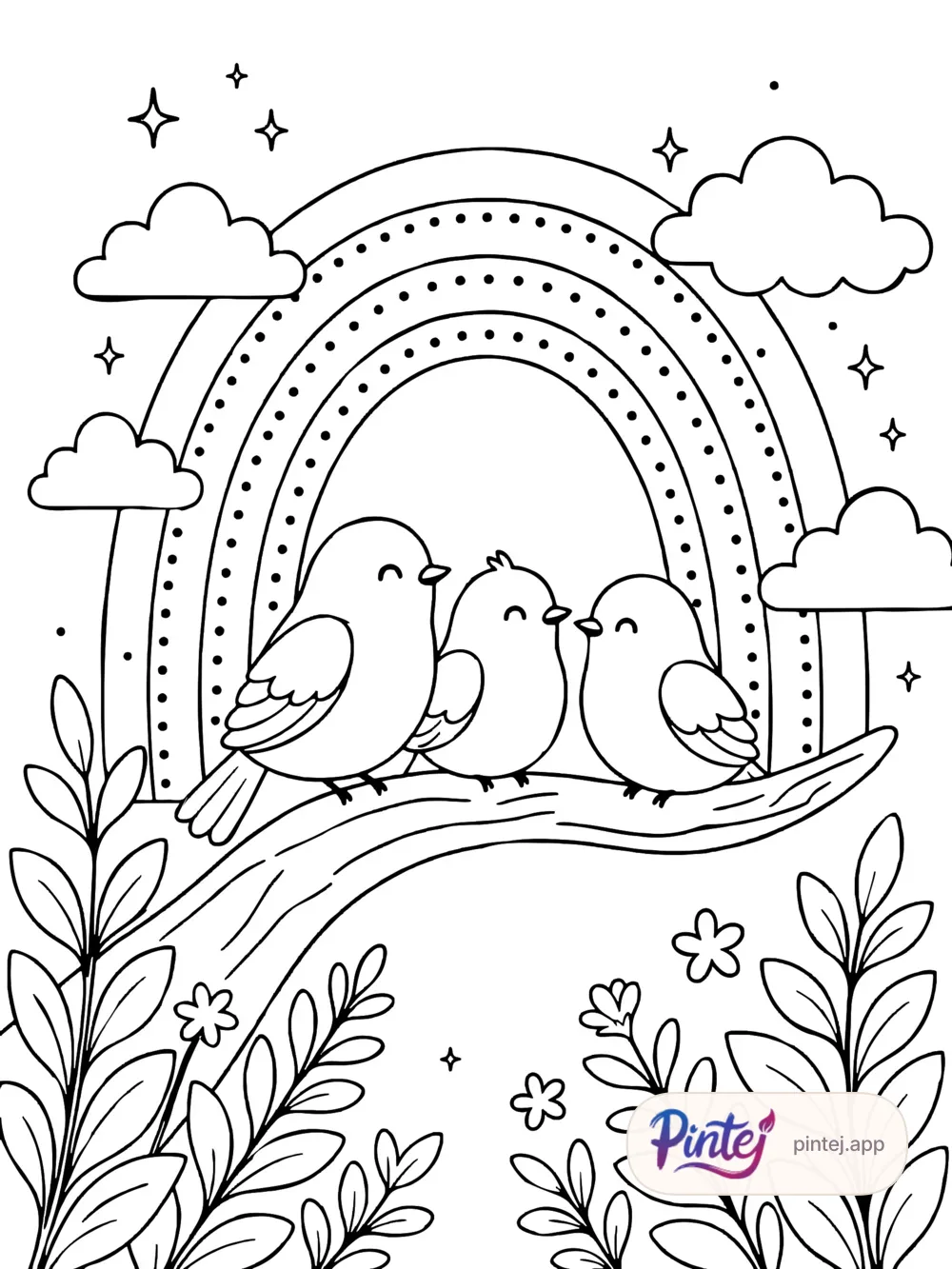
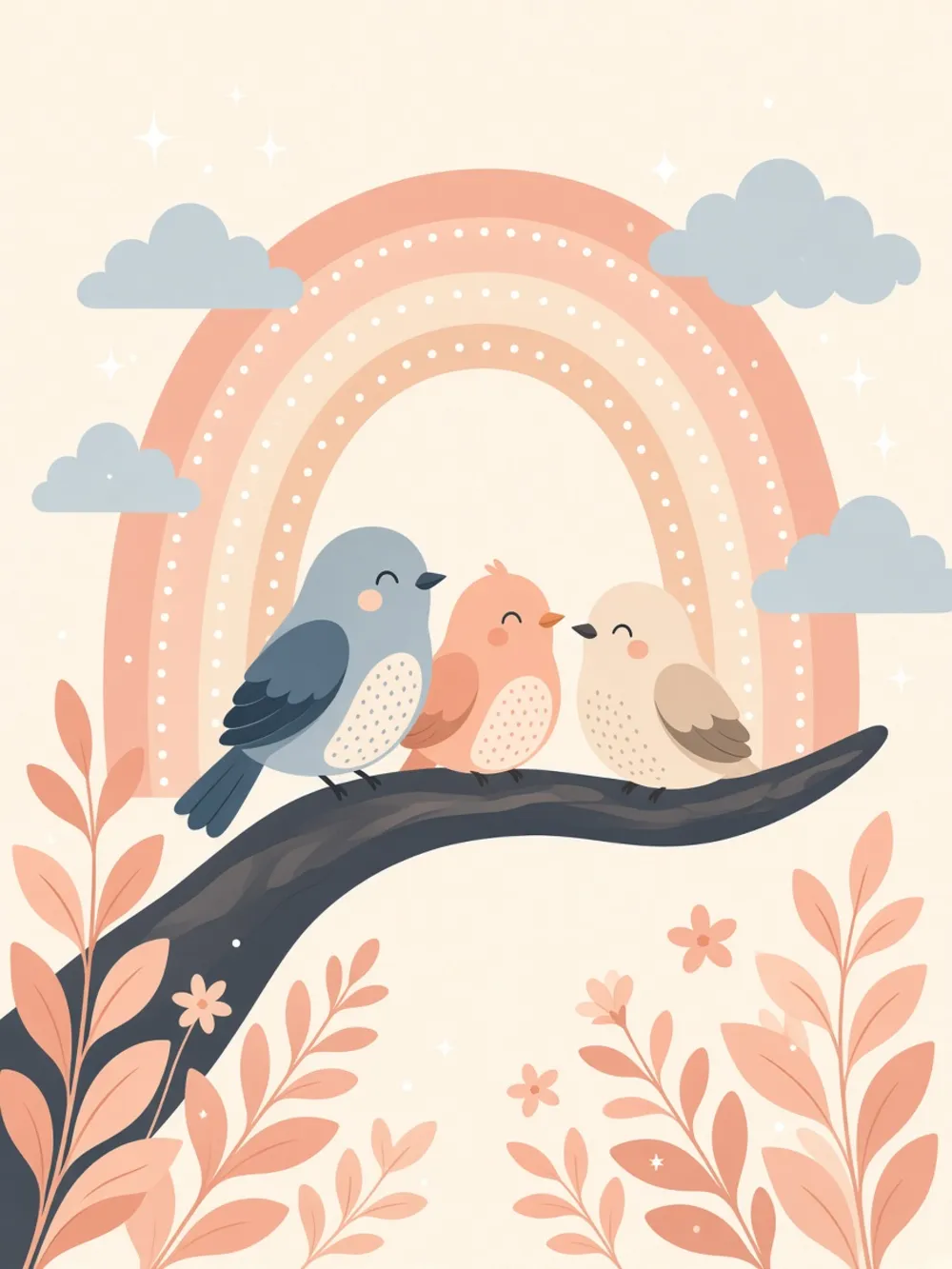
Rainbow Birds
10 pages
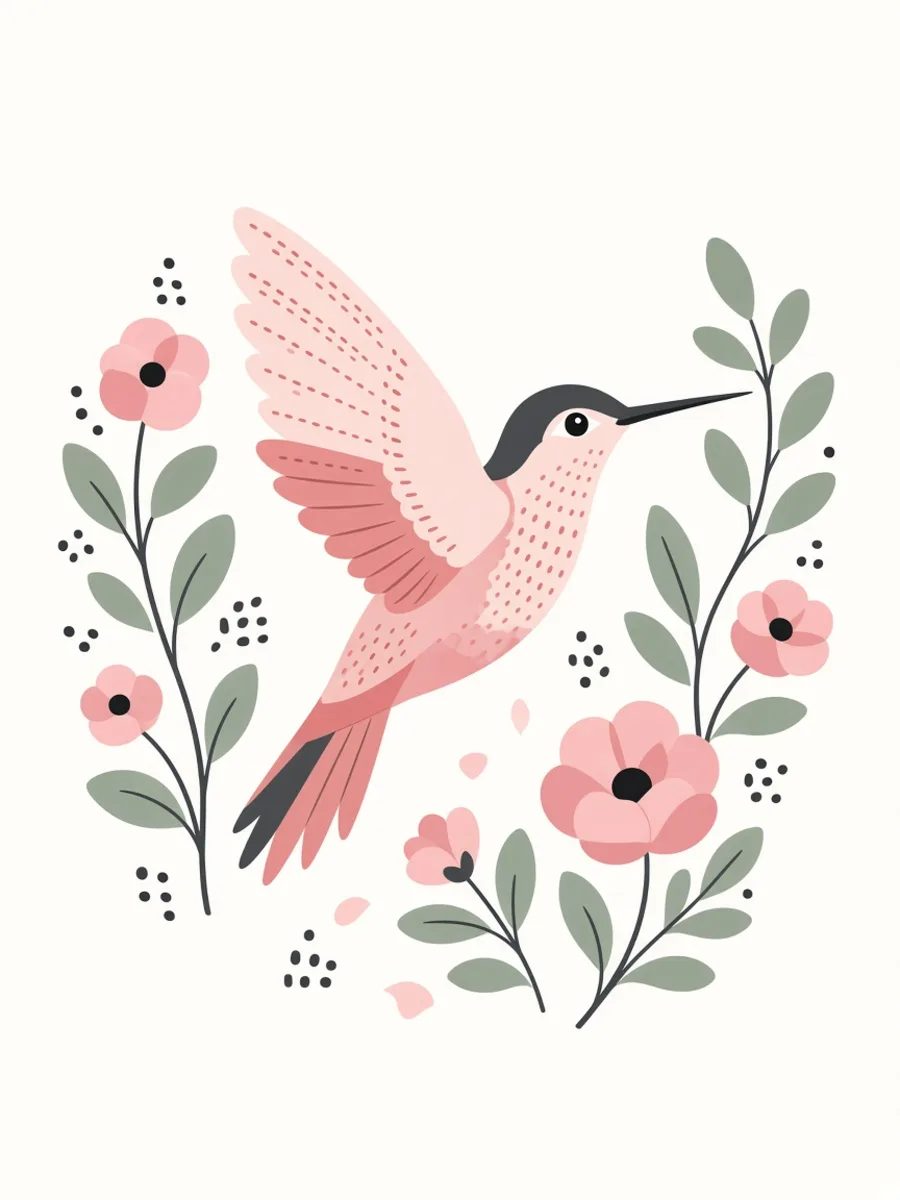
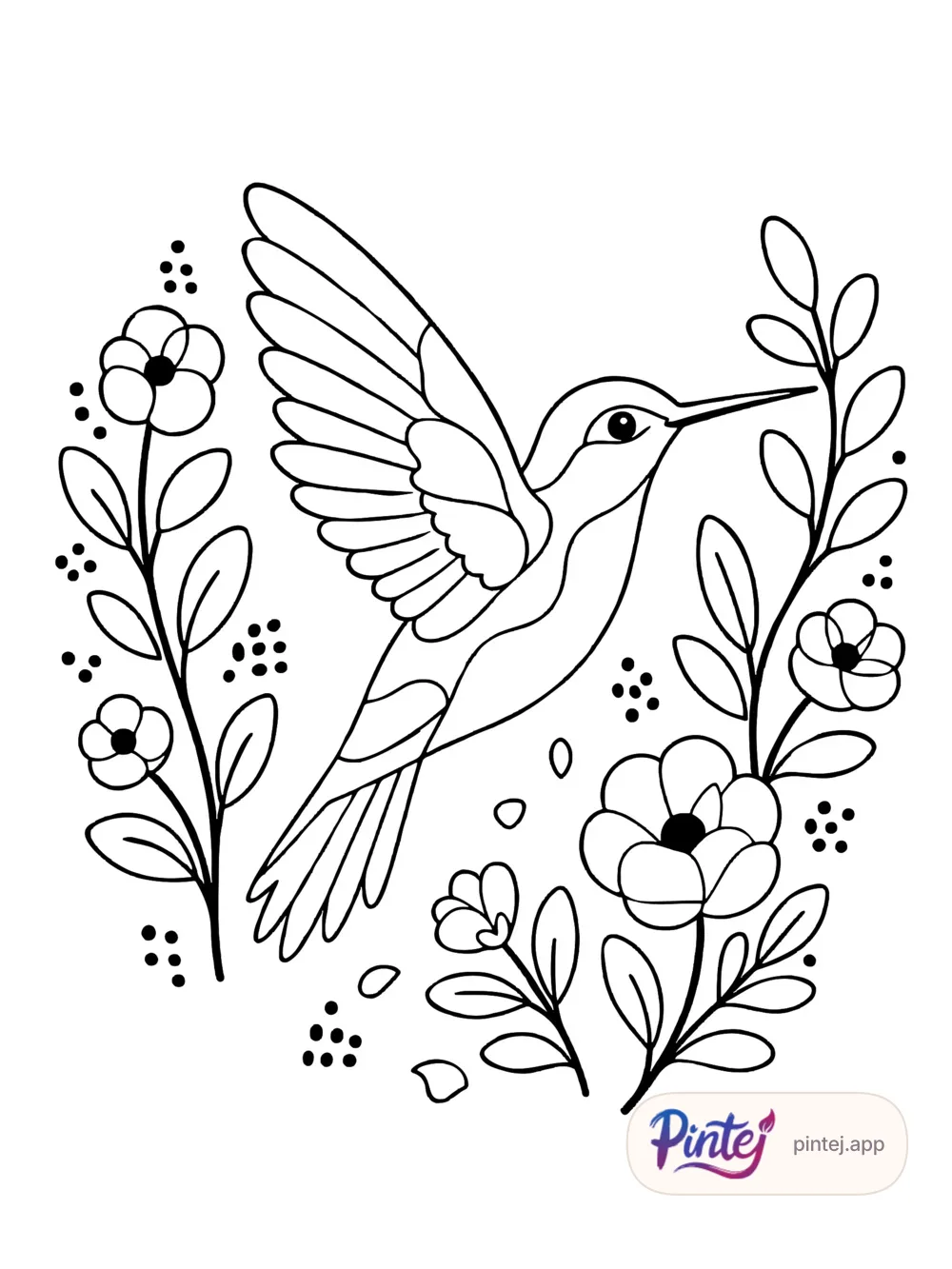
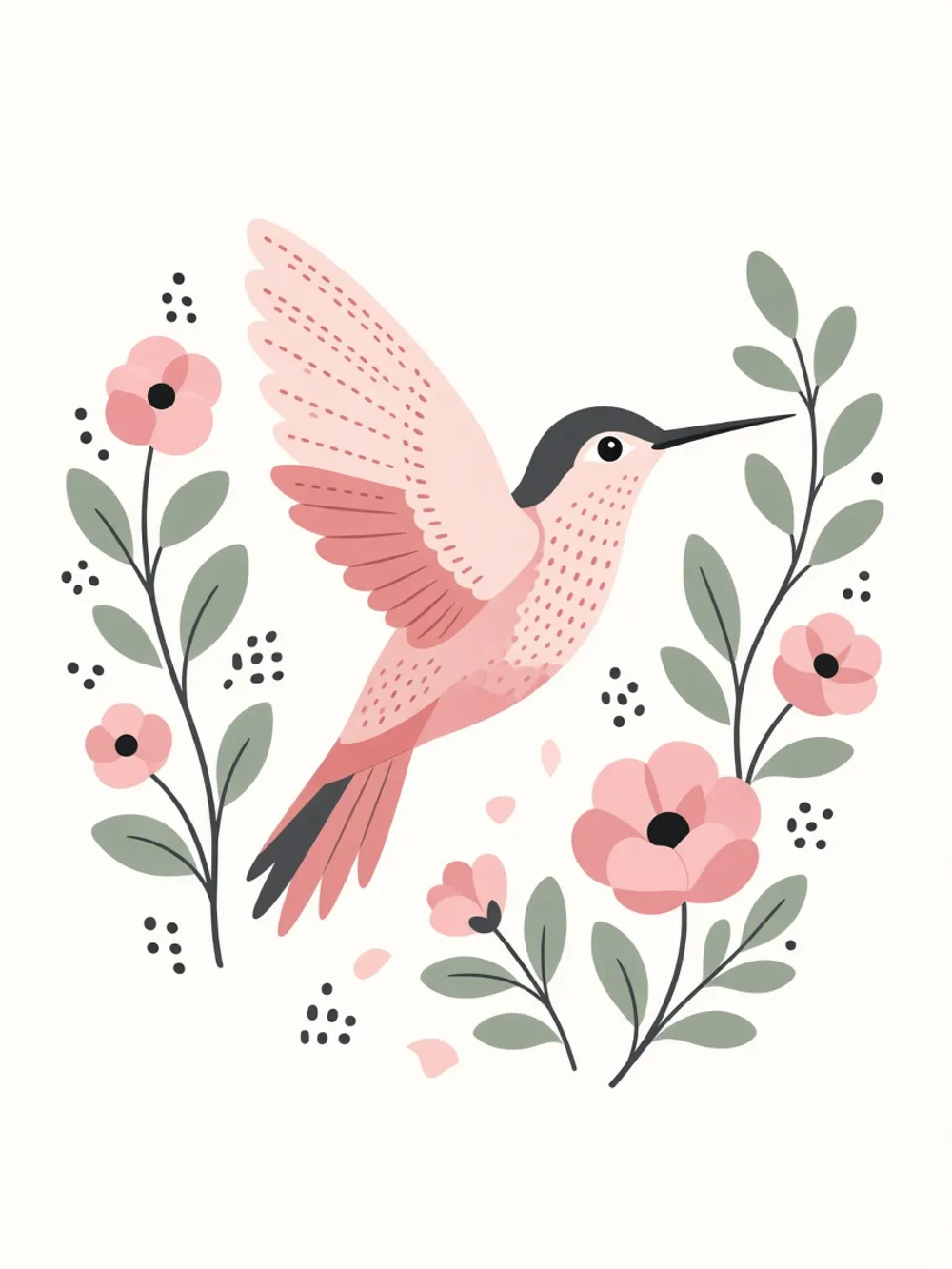
Botanical Hummingbirds
10 pages
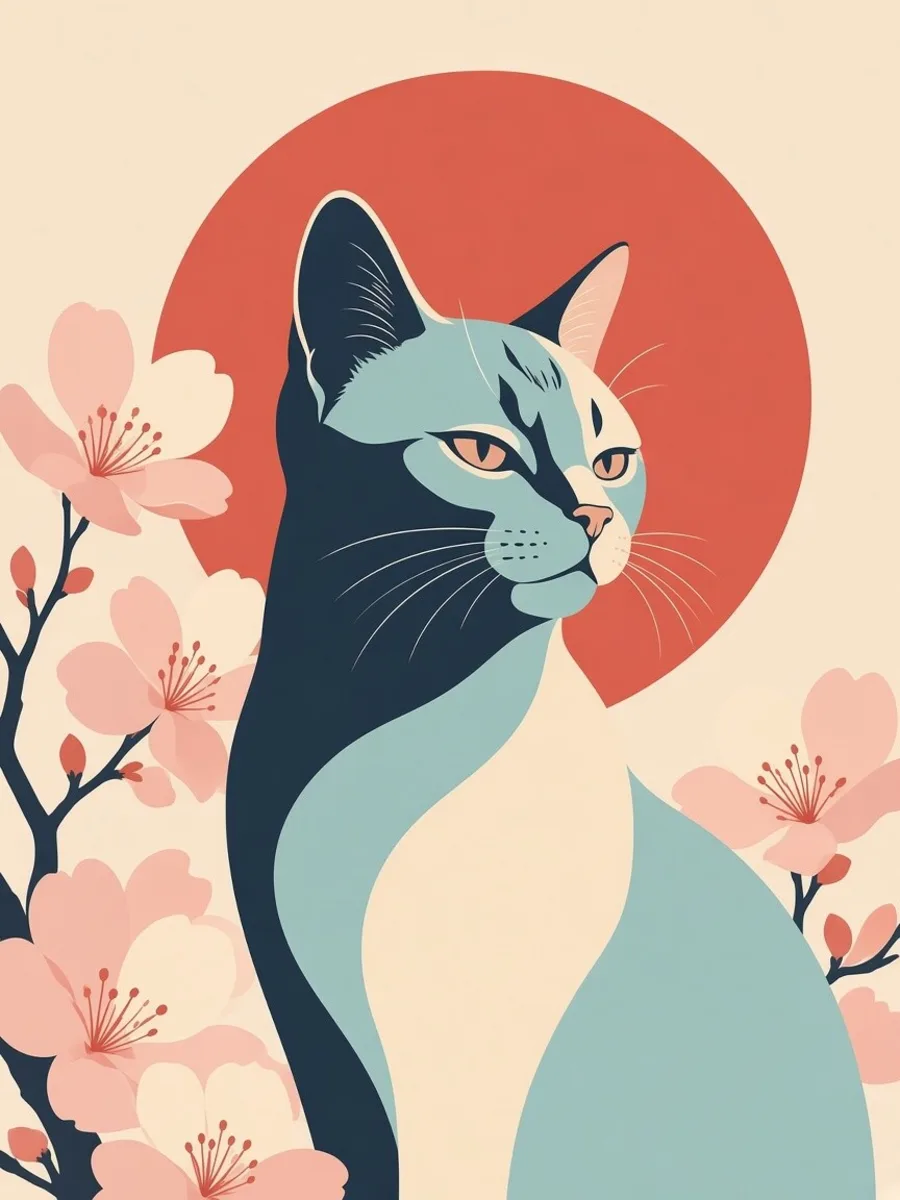
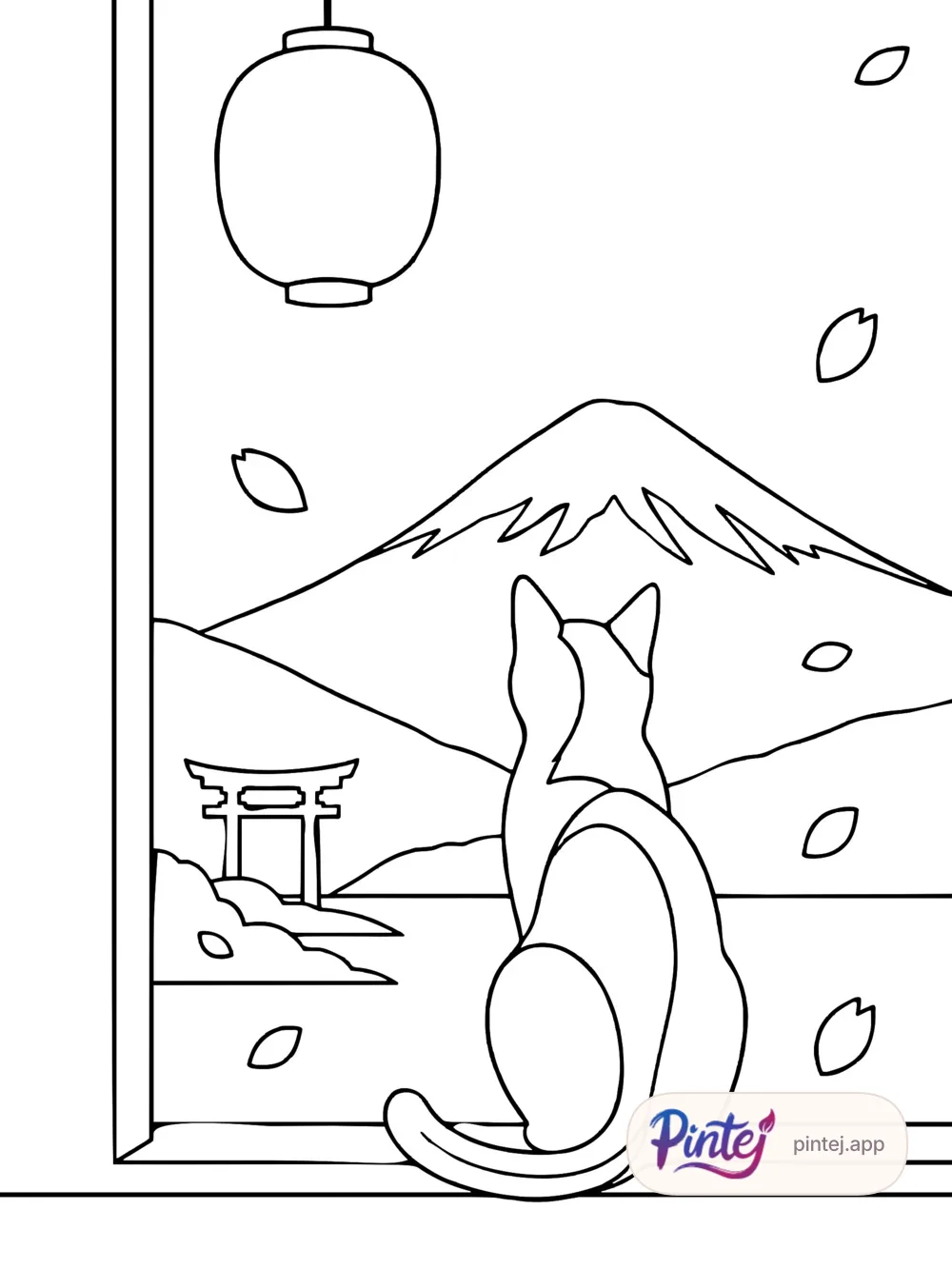
Cats in Japan
10 pages
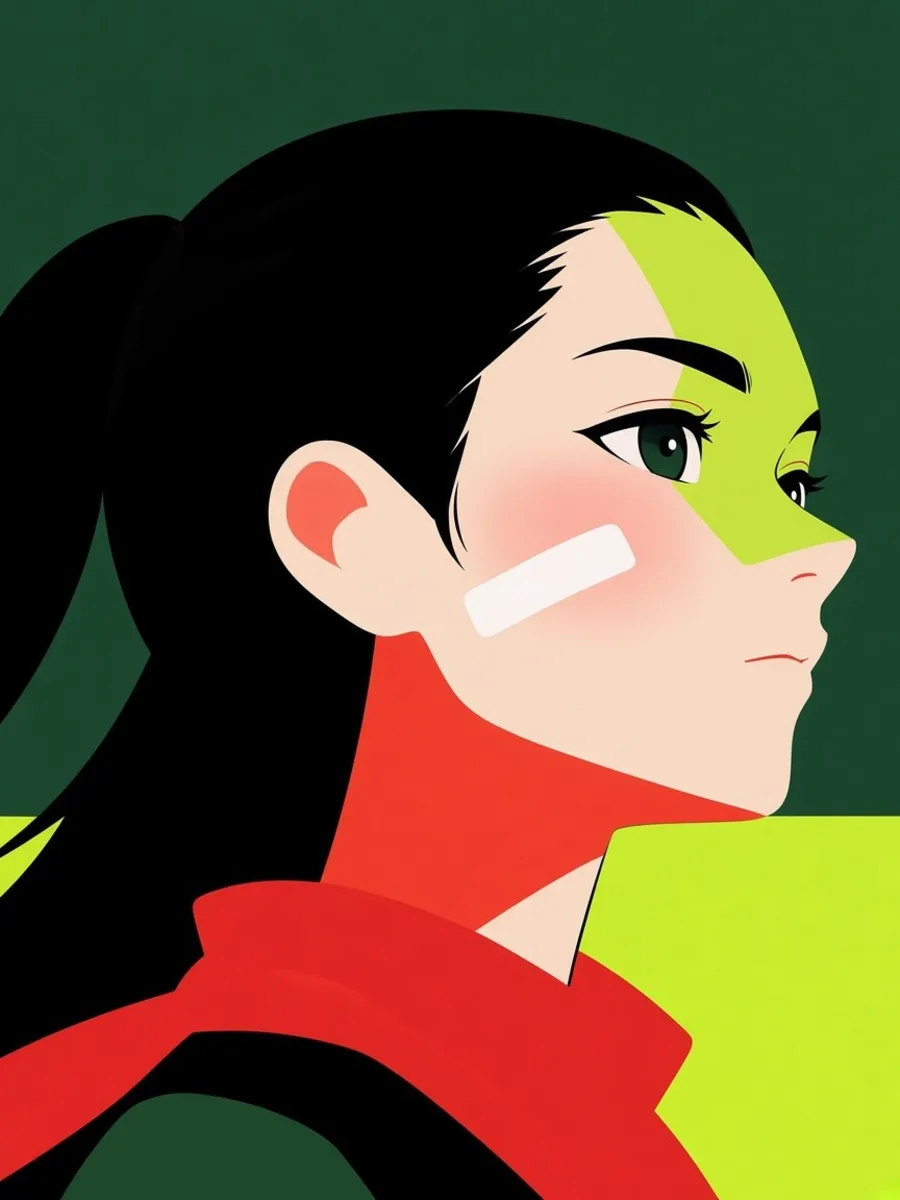
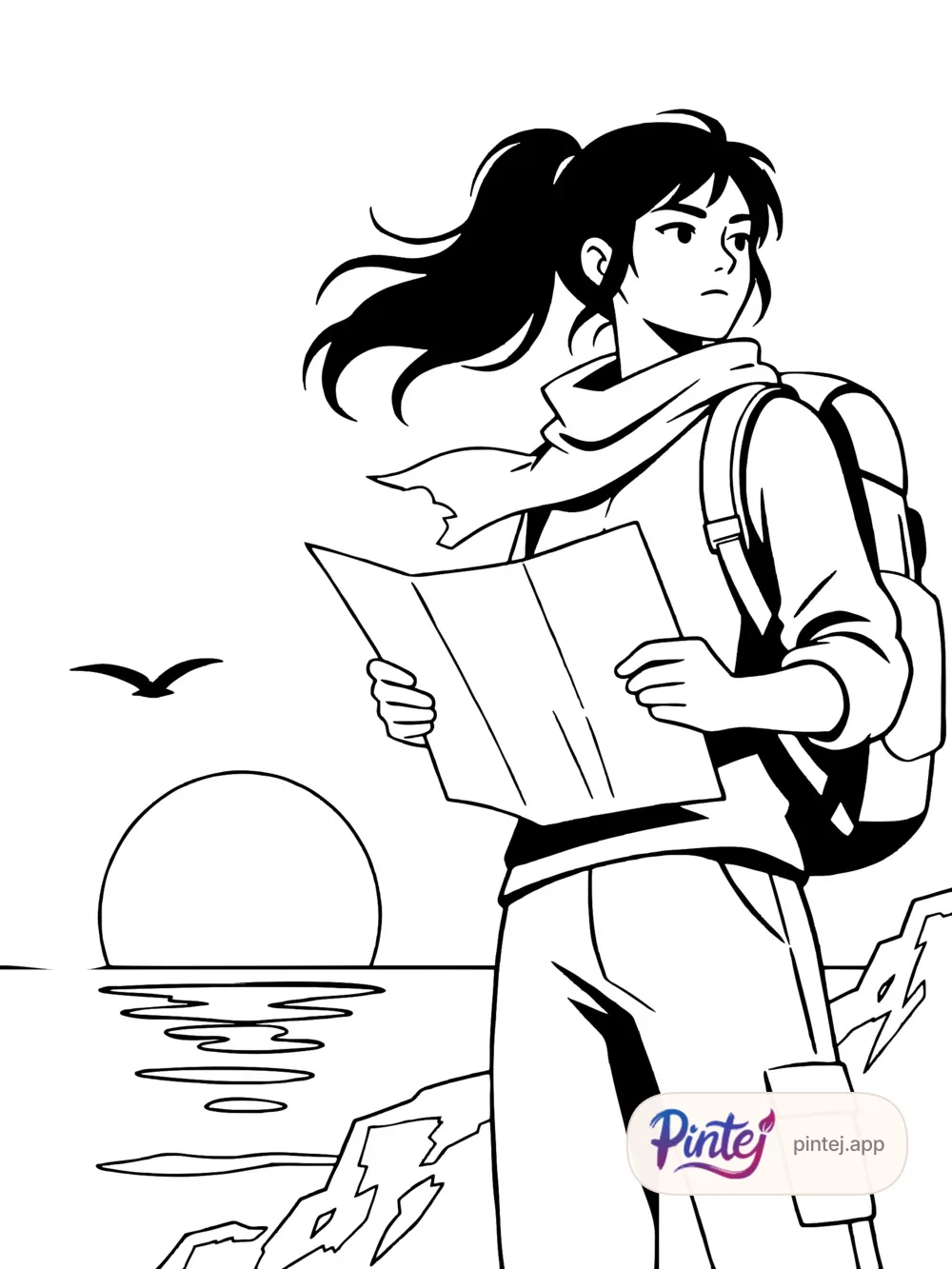
Manga Adventurer
10 pages

Mandala Faces
10 pages
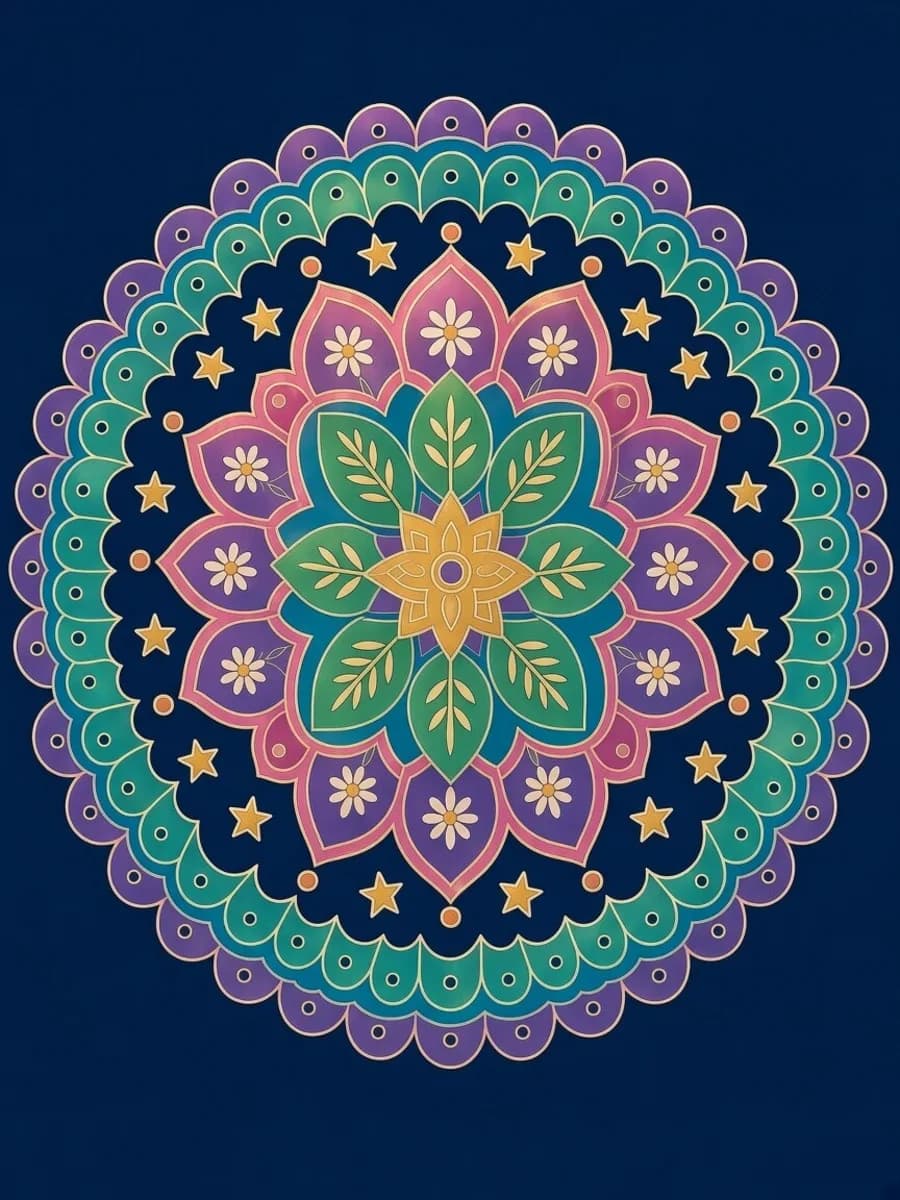
Zen Mandalas & Relaxation
10 pages
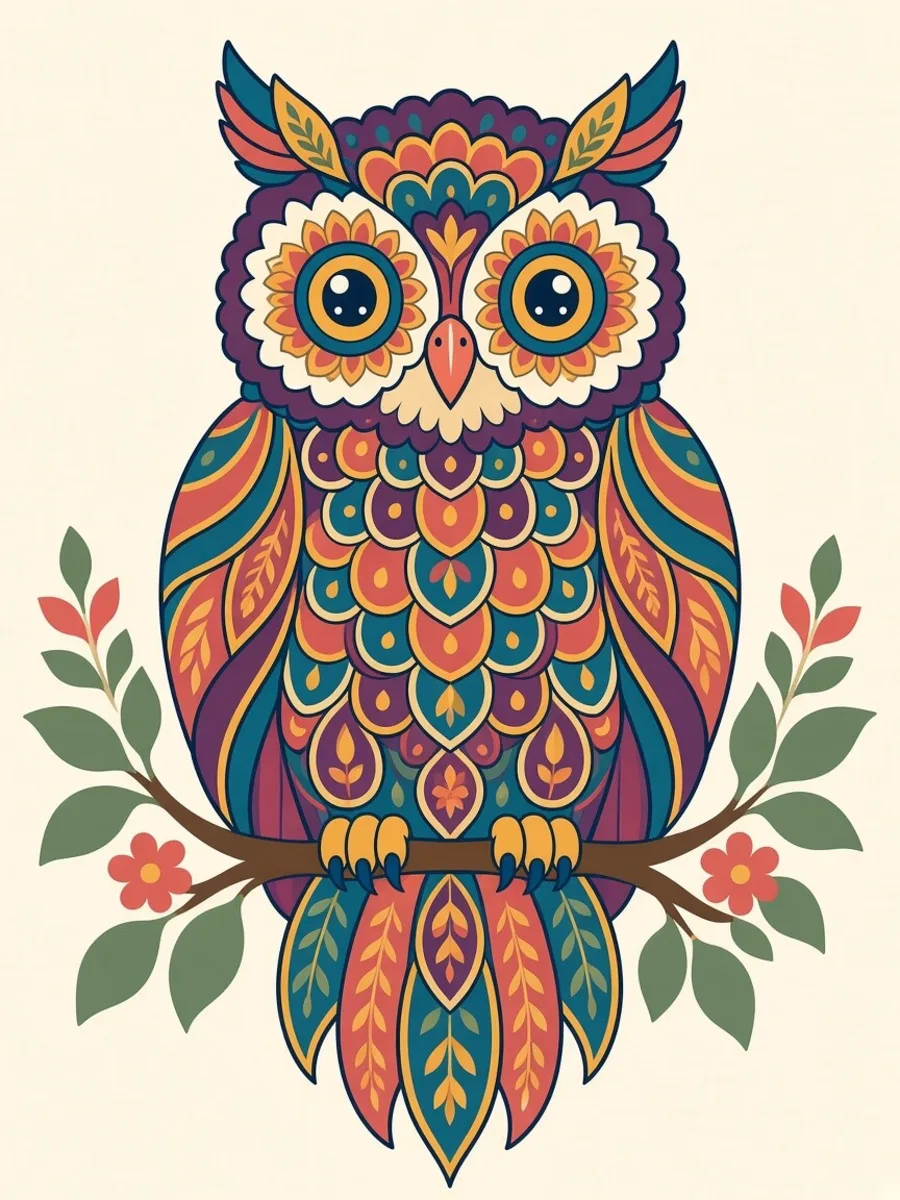
The Mandala Book
10 pages

Cozy Autumn
10 pages
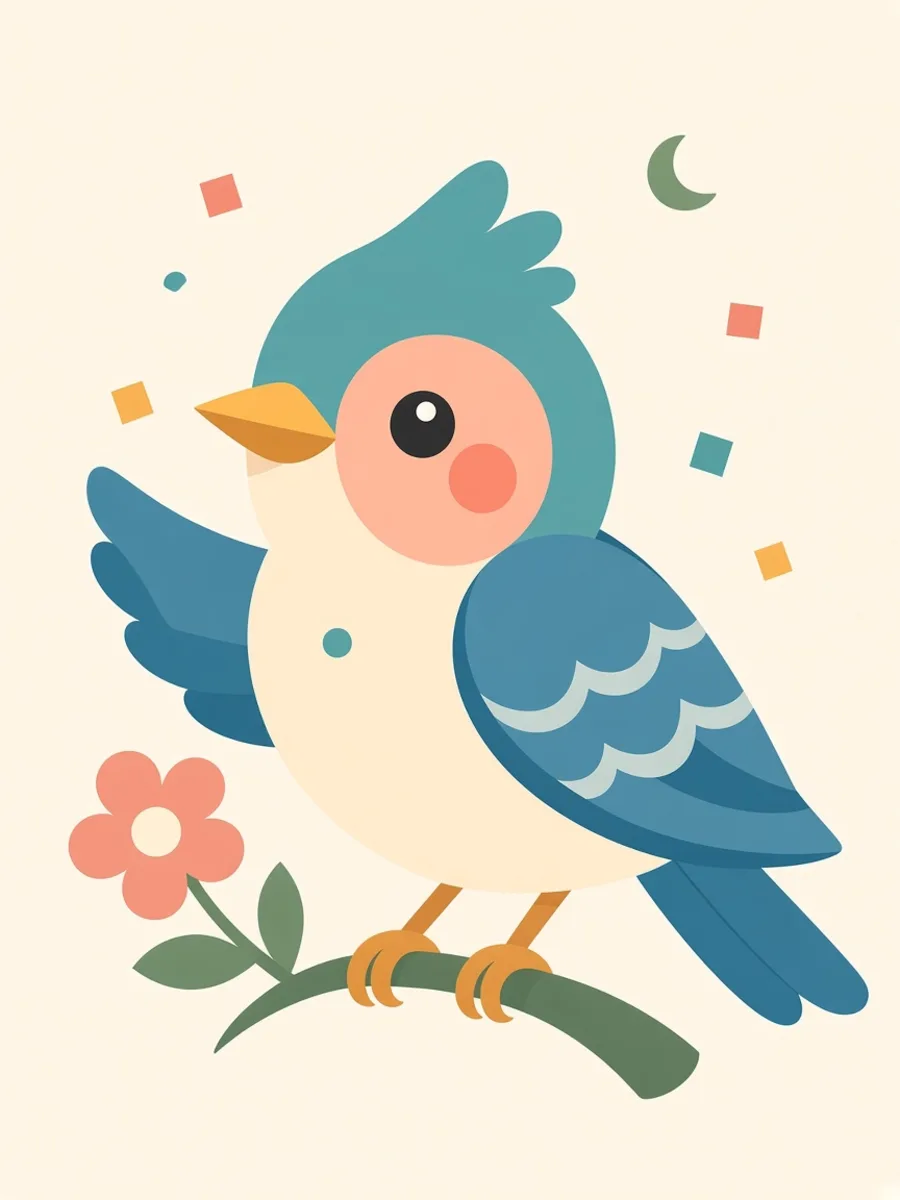
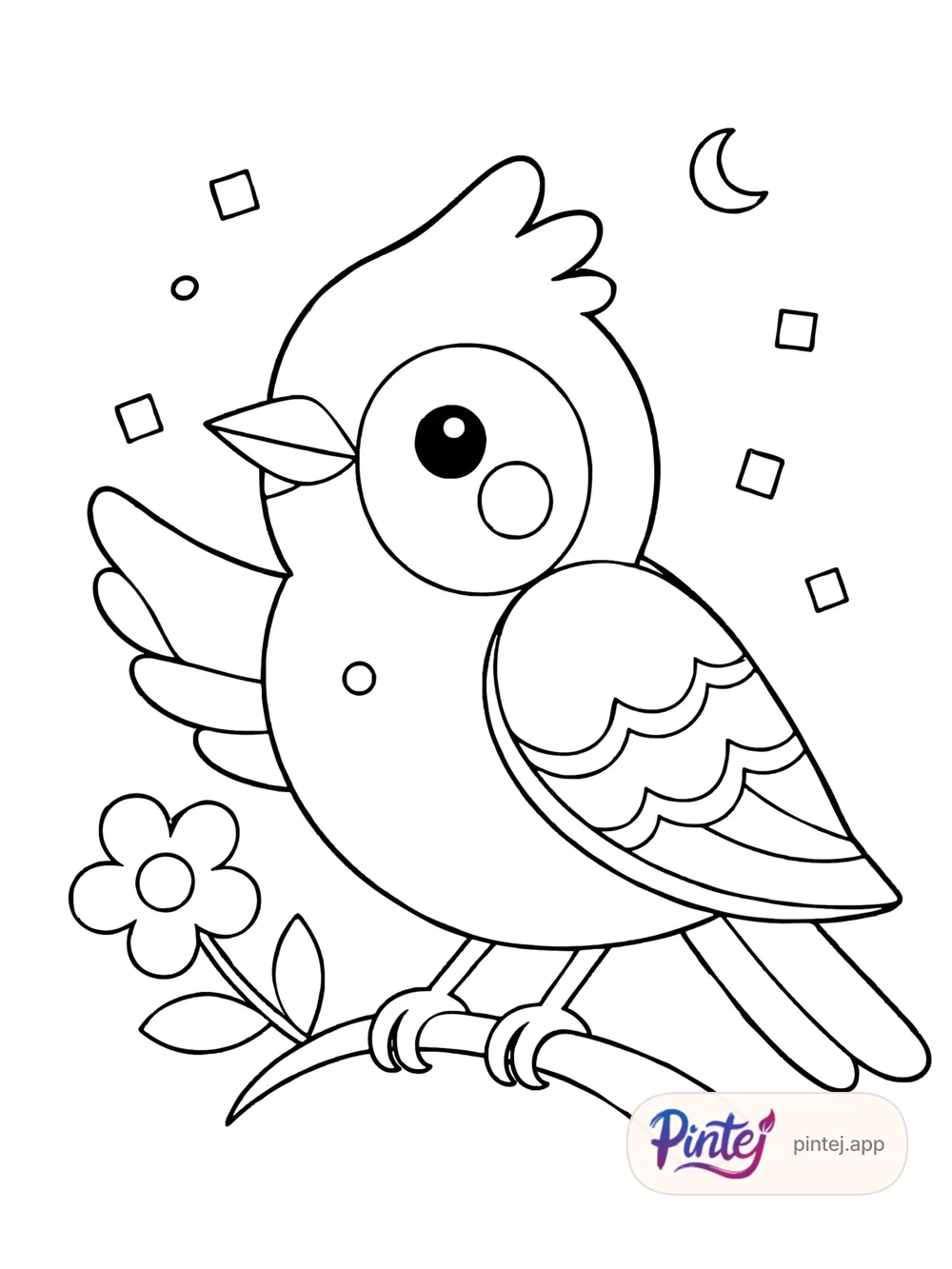
Round Bird
10 pages
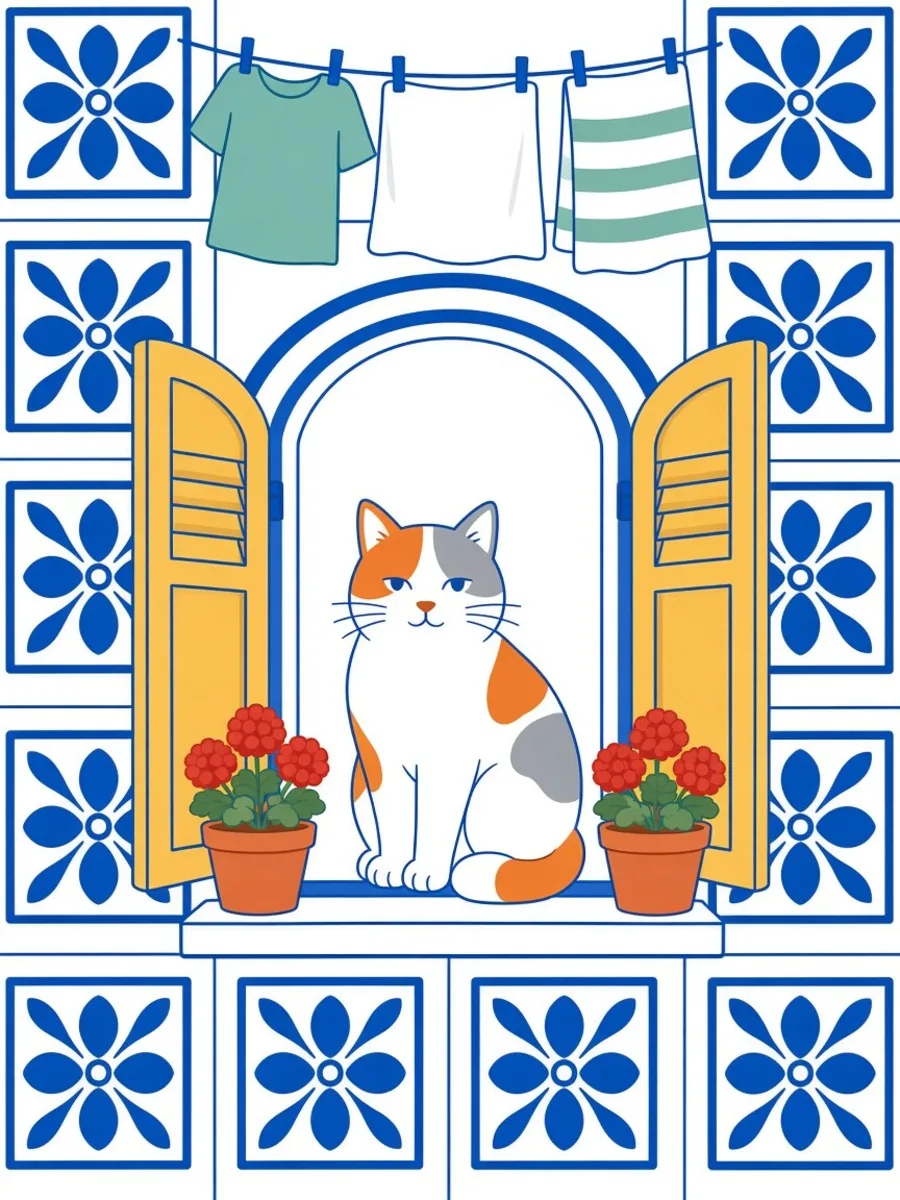
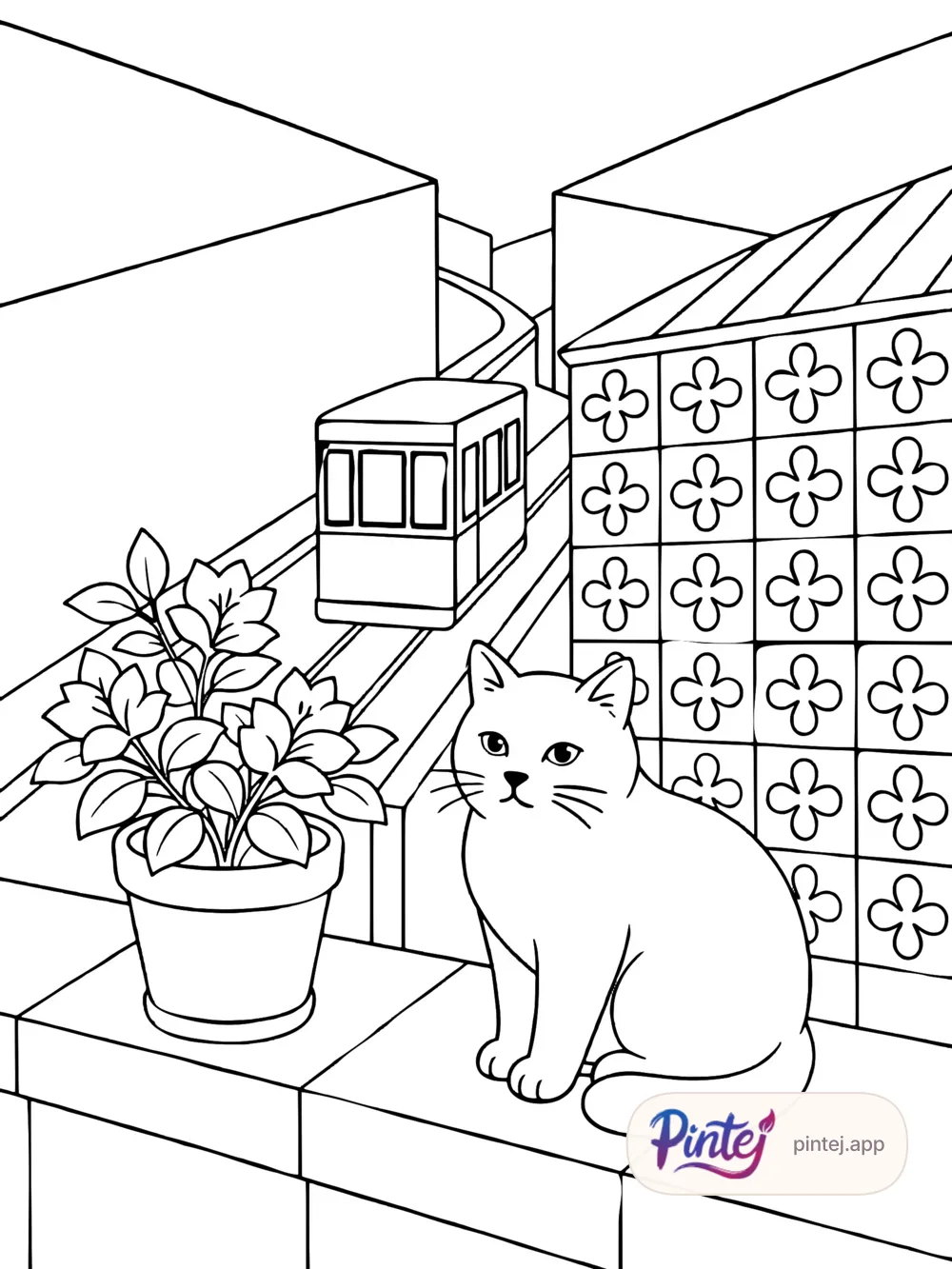
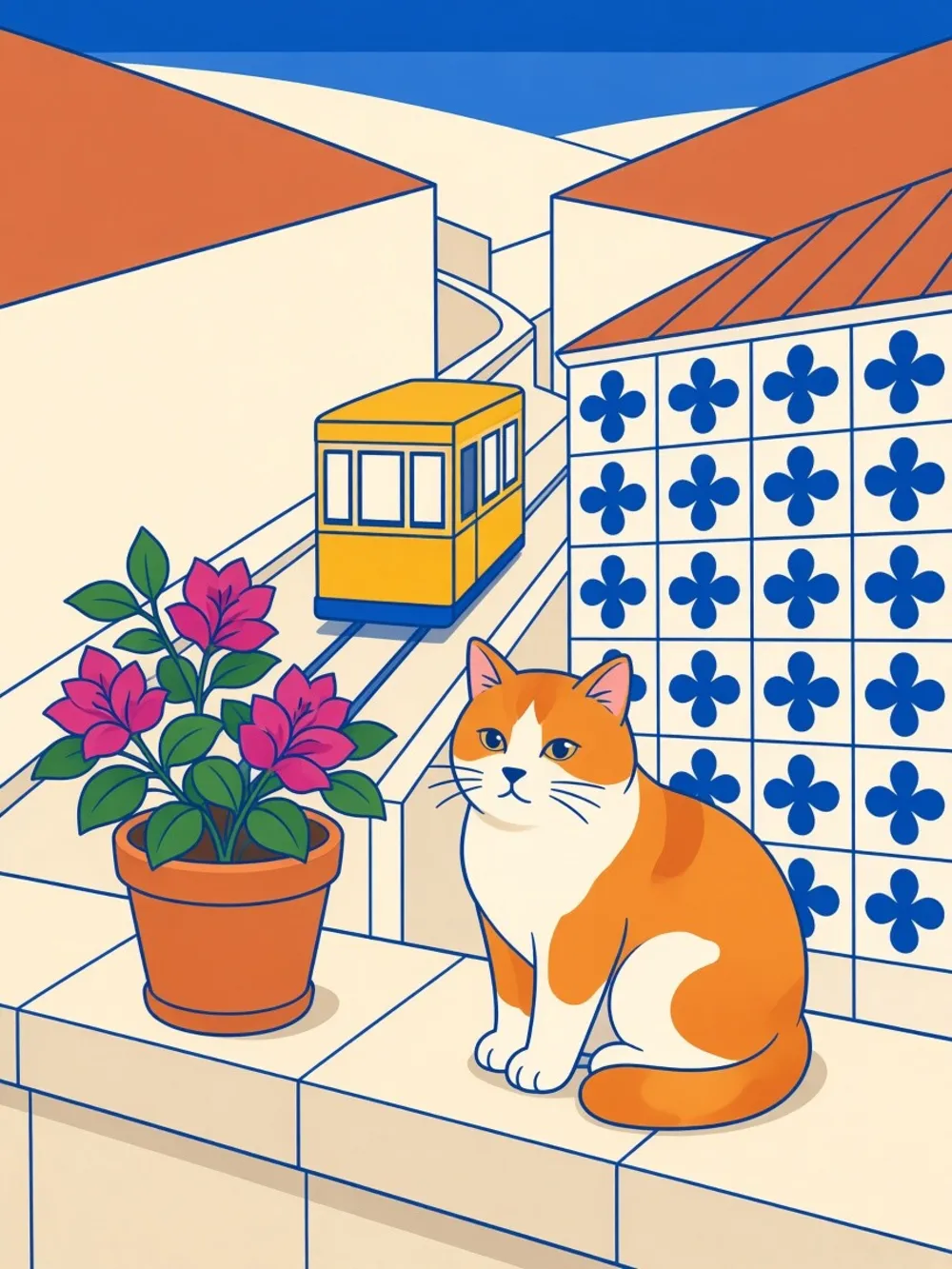
Cats in Portugal
10 pages
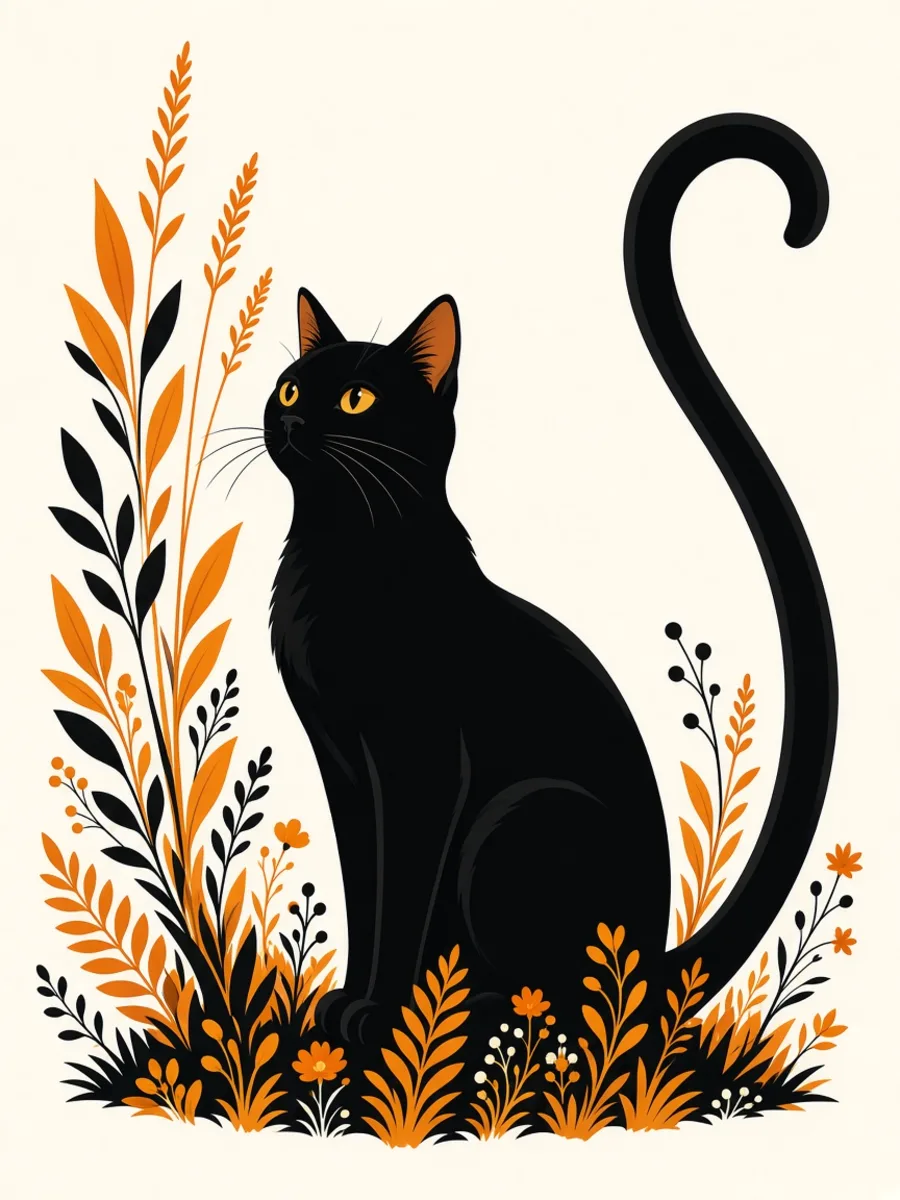
Botanical Bestiary
10 pages
Our coloring booksiPhone beta
The waitlist pings you on App Store launch day. The beta is now: try Pintej on iPhone via TestFlight while seats last.
49 seats left out of 50
iPhone only for now. Android is coming soon.
Leave your email: we’ll write only the day Pintej opens on the App Store.
We'll ping you at launch. No ongoing newsletter.
Pintej, the app that turns your photos into coloring pages — coming soon on iOS.
Coming soon