
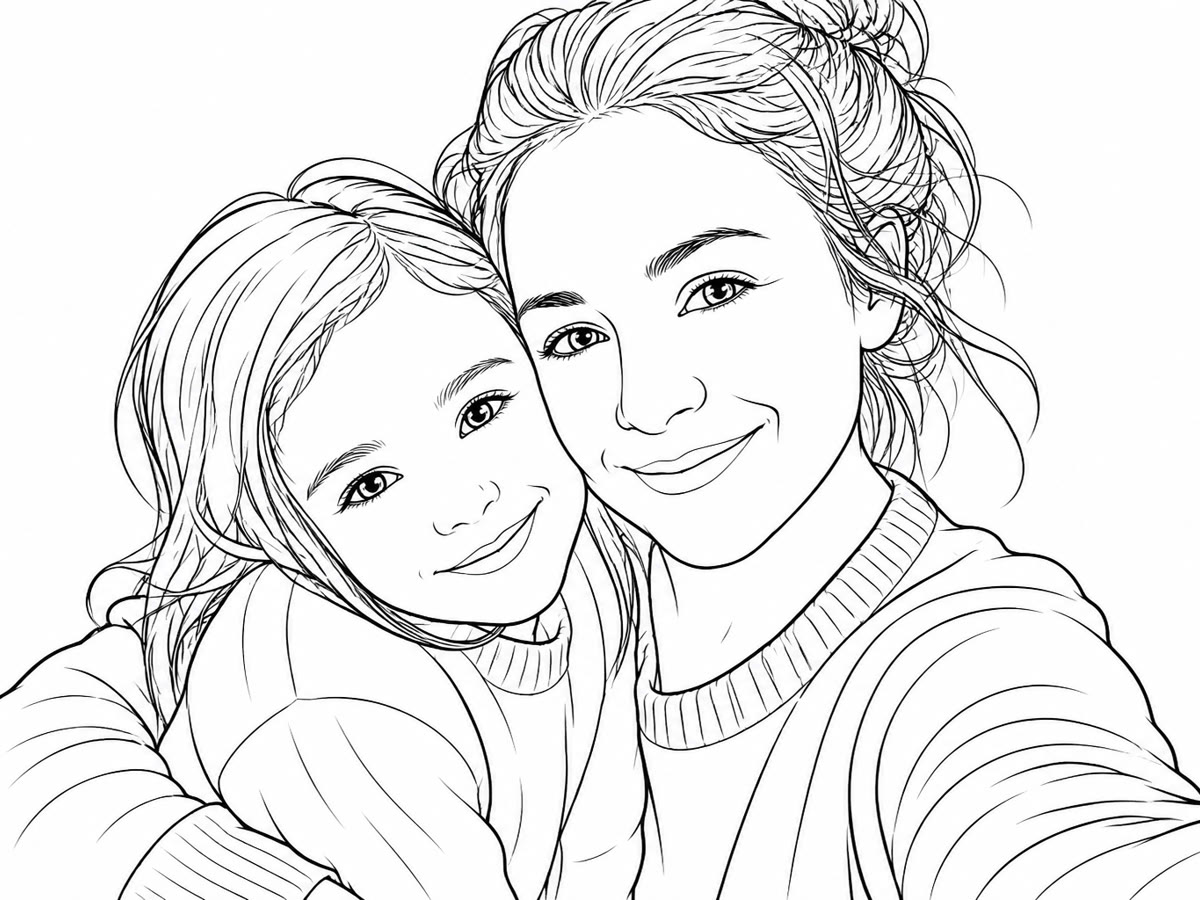
How it’s made
- 1Pick a photo (a memory, a pet, a trip…).
- 2Pintej turns it into a coloring page you can compose into a book.
- 3Color, share, print — or gift one.


A showcase, for now
No likes or comments here: get inspired, then make your own.
How to turn a photo into a coloring page
Pintej keeps the people and shapes in your photo and redraws them as clean black outlines with closed areas, so every part is easy to fill in — on screen or on paper.
- 1
Sign in with Google
The trial runs on your Pintej account — the same one as in the app.
- 2
Upload one photo
JPEG, PNG or WebP. A sharp photo with a clear subject works best.
- 3
Pick a style
Default, Manga or Comic.
- 4
Color it
Fill the page in your browser, or open the line art on its own.
A real example

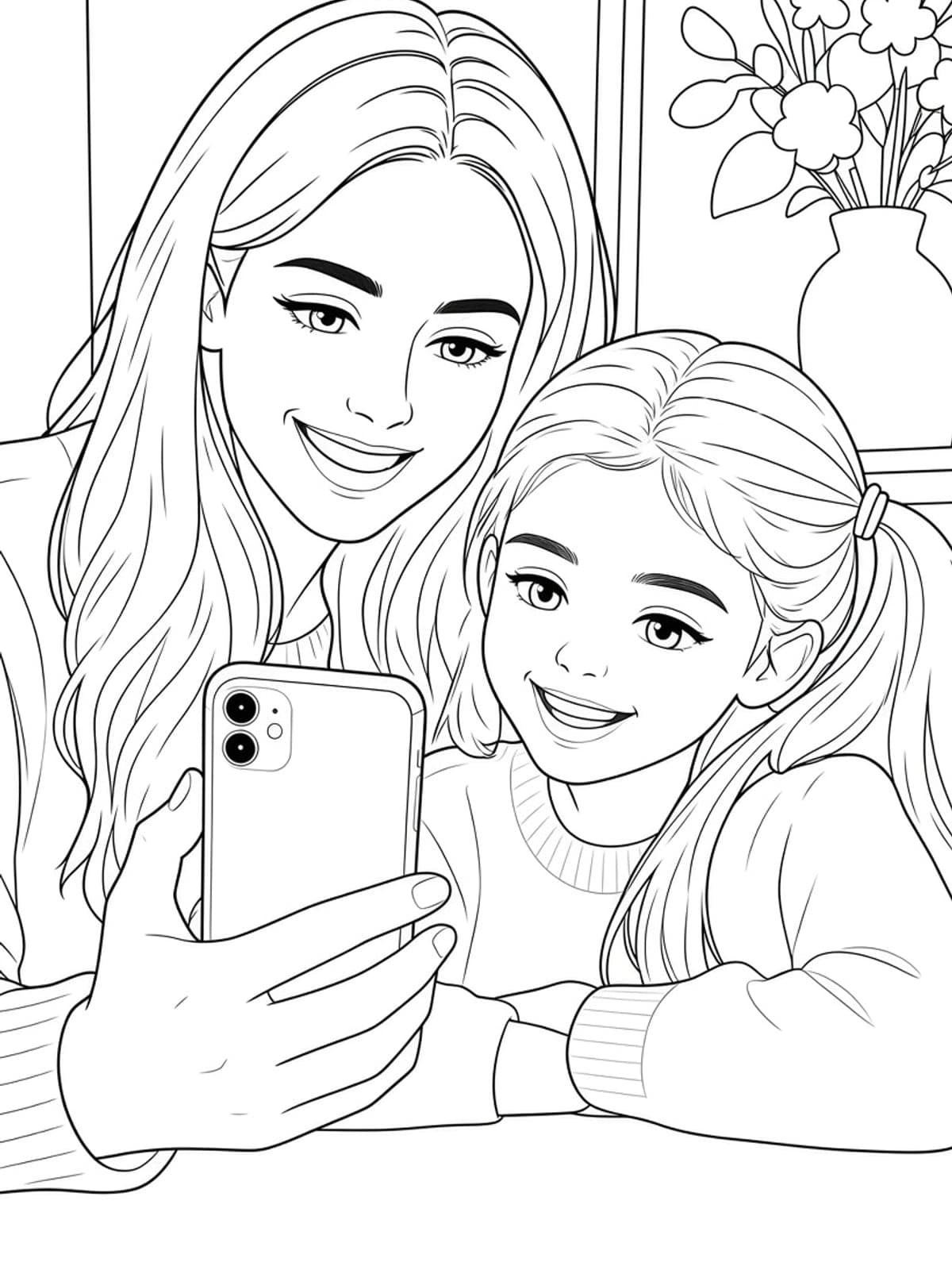
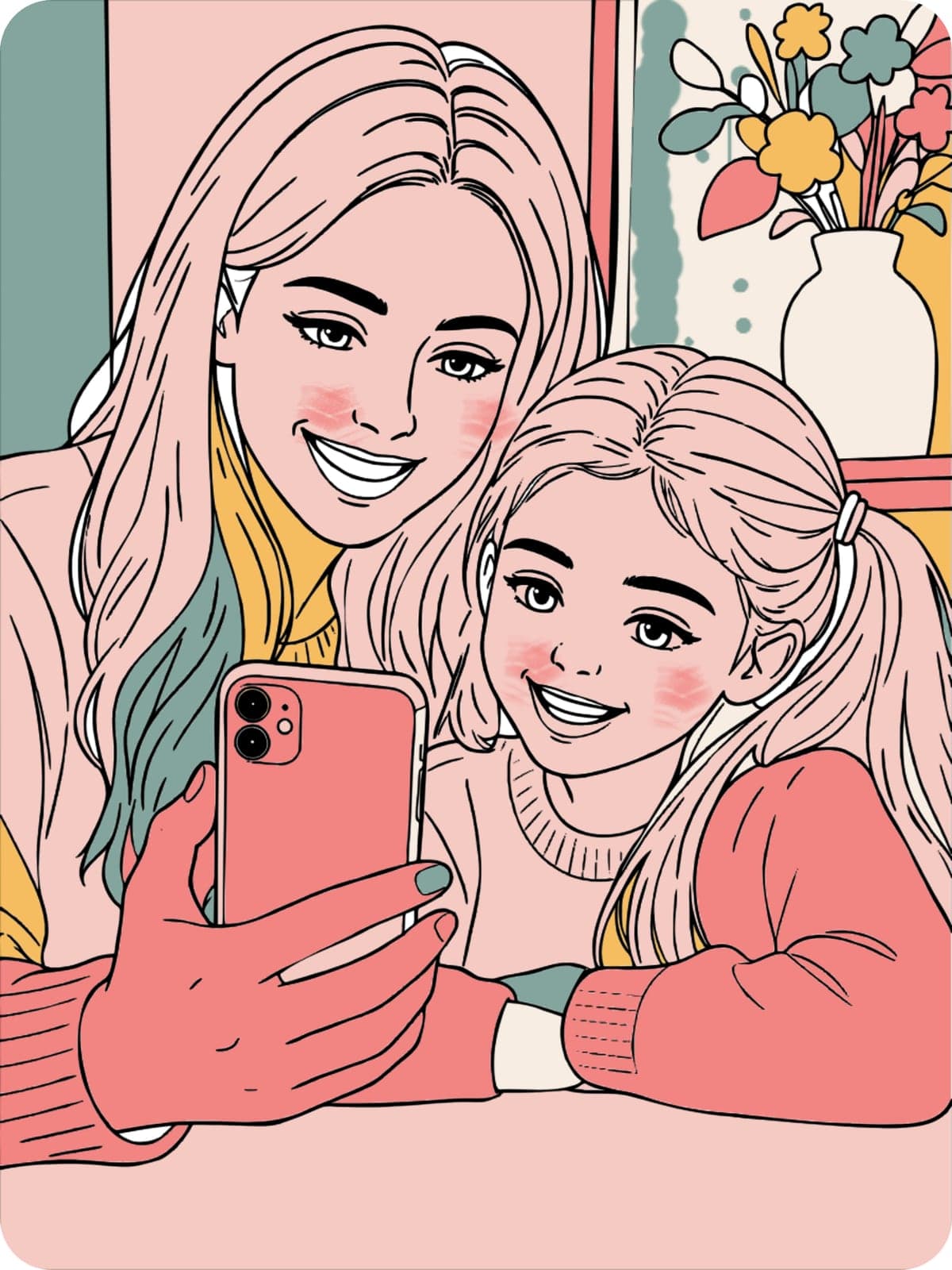
Real Pintej output from a sample photo we use for demos. Your own photo goes through exactly the same steps.
Which photos work best
- A clear subject that stands out from the background
- Faces that are sharp and not too small in the frame
- Soft light from the side rather than a harsh flash
- Two or three people rather than a crowd
Questions
- Do I need an account?
- Yes, you sign in with Google to convert a photo. If the browser trial isn’t open to your account yet, you’re added to the waitlist and we’ll email you when it is.
- Can I delete my photo?
- Yes. Deleting a creation erases your photo, its render and the coloring page from our servers and from your device.
- Can I make a whole coloring book?
- Yes, in the Pintej iPhone app: lay out your pages with a cover and a title, then export a PDF to print at home. The app is coming soon to the App Store.