Pets
Turn Your Pet’s Photo Into a Coloring Page
Your dog asleep on the sofa, the cat in its favorite box, the rabbit mid-carrot: any good photo of your pet can become a page to color.
Upload the photo, choose a style, and Pintej turns it into bold black outlines with closed areas, ready to print or to color on your phone.
The browser trial needs a Google sign-in. The app is coming to iPhone first.
How a photo becomes a coloring page
We don’t have a pet example to show yet, so here’s a real one from a family photo. A photo of your pet goes through exactly the same steps: the outlines are kept, the details simplified, the areas closed.

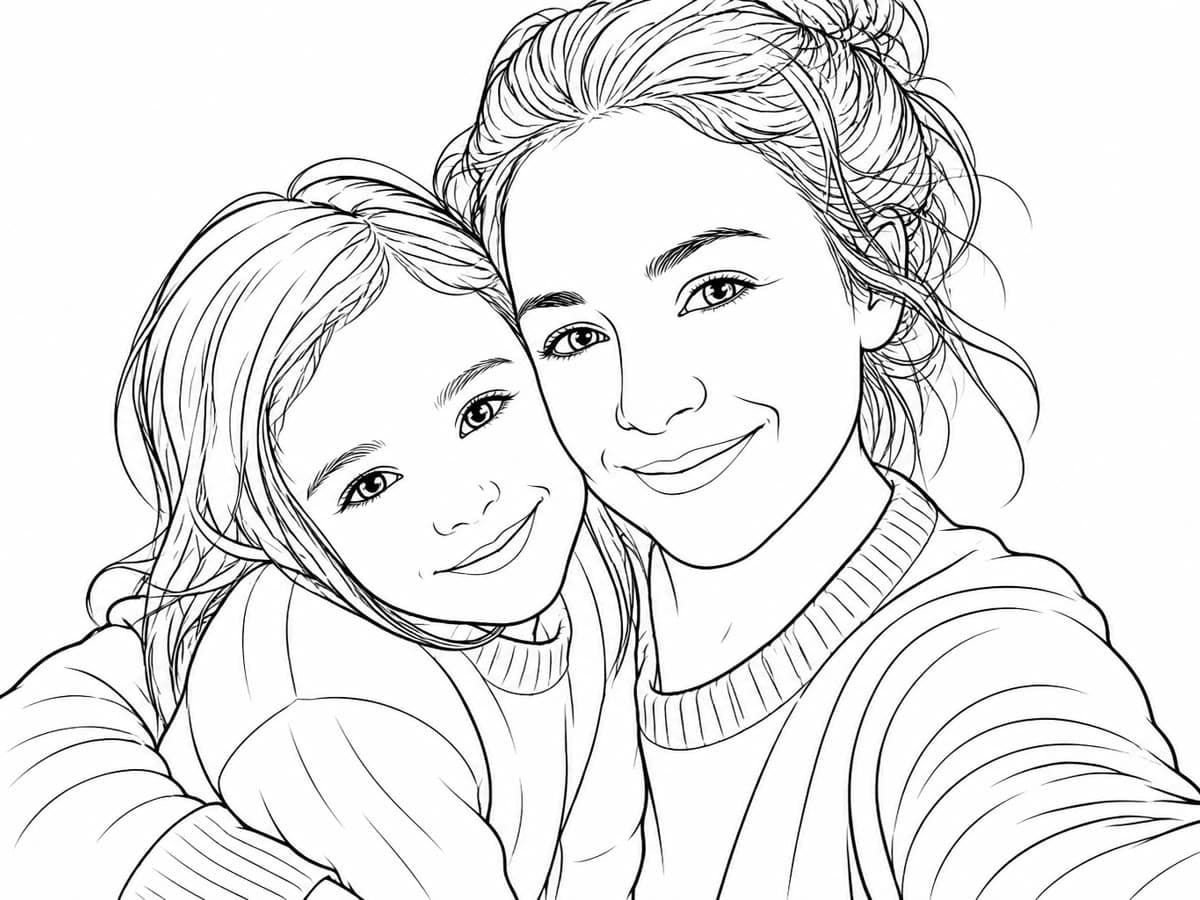
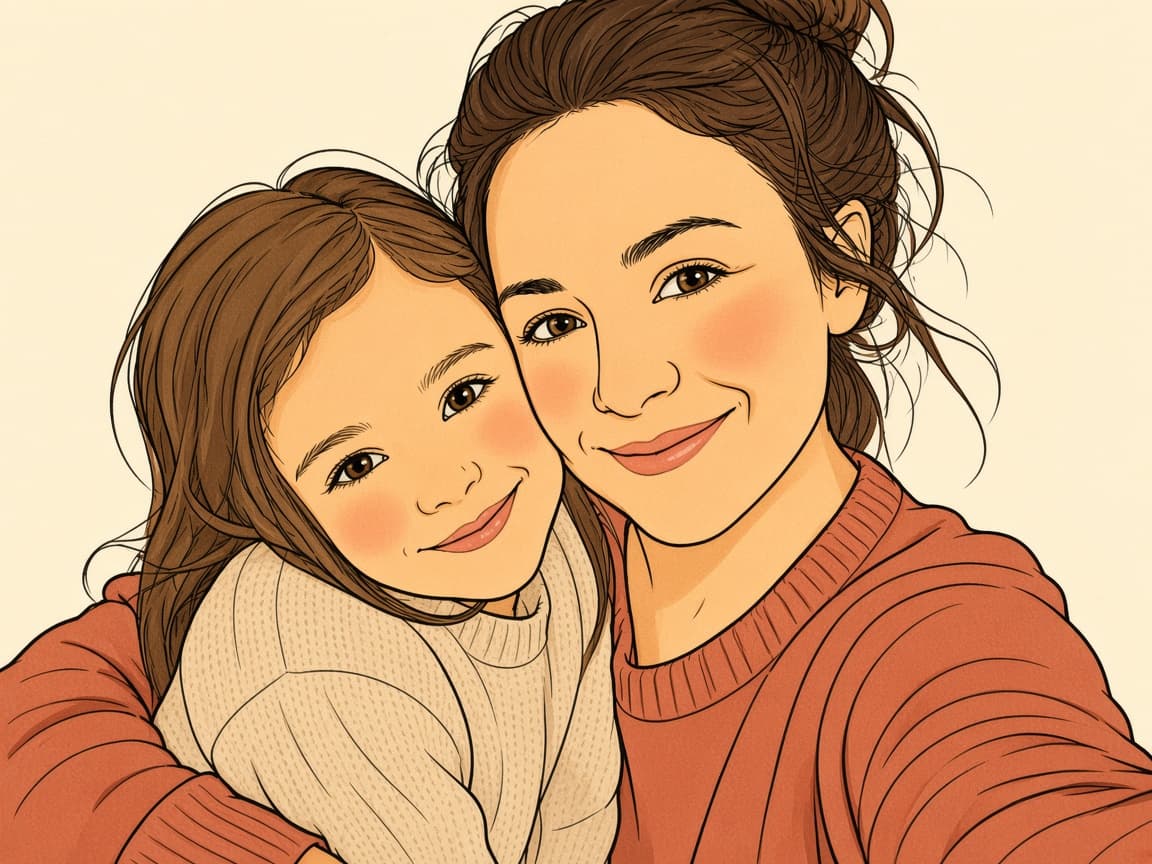
Real Pintej output from a sample family photo. Pet examples will be added here once we have photos we’re allowed to publish.
Three steps
- 1
Pick a photo of your pet
Ideally at eye level, in good light, with the whole animal in the frame.
- 2
Choose a style
Normal for a faithful portrait, Manga or Comic for something more playful.
- 3
Print it or color it
Color it in the browser or in the app, or print the page and grab your pencils.
Photo tips for pets
- Get down to your pet’s eye level
- Use daylight from a window; avoid the flash, it flattens fur and creates glare in the eyes
- Pick a plain background so the outline stands out
- Choose a sharp photo: fur turns into lines, and blur turns into scribbles
- Dark-coated pets need a bit more light to show their features
Ideas for a pet coloring page
A coloring page of a pet that has passed away can be a gentle way for children to remember them. For a friend who just adopted a puppy, a page of their new companion is a small, personal gift.
Make a whole pet coloring book
One page is nice; ten is a book. Gather your favorite photos of your pet, turn each into a page, add a cover with their name, and print the PDF at home.
Prefer cats you don’t have to photograph? Browse our ready-made books “Cats in Japan” and “Cats in Portugal”.
Questions
Does it work with any animal?
It works best when the animal is clearly visible and in focus. Dogs, cats and rabbits are the most common subjects.
Can I make a page from an old photo of a pet that died?
Yes, as long as the photo is reasonably sharp. Older or lower-quality photos give simpler outlines.
Can I print the page?
Yes. In the app you export a PDF and print it at home.
Is there an app?
Pintej is an iPhone app, coming soon to the App Store. Join the waitlist to hear the day it opens, or try the photo-to-coloring-page step in your browser now.
Keep exploring
- Coloring book from photosTurn your family photos into a whole book to color.
- Personalized Christmas coloring bookA last-minute gift with no shipping: print it at home on Christmas Eve.
- Personalized coloring book giftA gift made from your photos, printed at home.
- Cats in JapanA ready-made cat coloring book by Pintej.
- Cats in PortugalAnother ready-made cat coloring book by Pintej.
- Which photos make good coloring pagesContrast, sharpness, background: what actually works.
Pintej is coming to iPhone.
Join the waitlist and we’ll email you the day Pintej opens on the App Store.
We'll ping you at launch. No ongoing newsletter.
Want to see it first? Turn one of your photos into a coloring page.